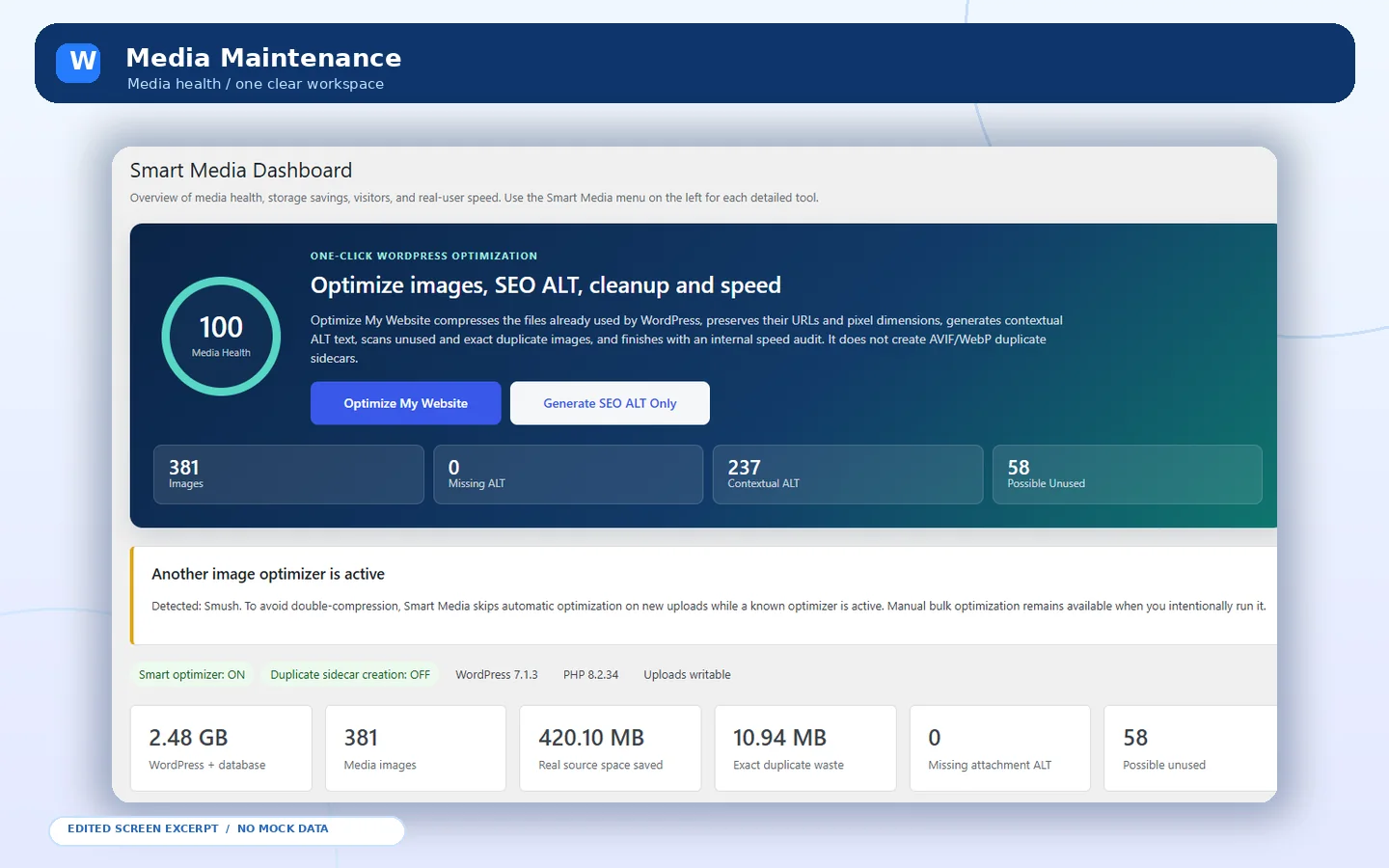
 Unified dashboard
MEDIA OPTIMIZATION / PUBLISHED WORDPRESS TOOL
A more thoughtful way to manage WordPress media.
Optimize images, review duplicate attachments and keep the Media Library manageable—with deliberate admin control over changes.
WordPress admin interface previews · screen details may vary by installation
EDITED FROM REAL SCREENS
01 / THE PROBLEM, THE SOLUTION
Good tools make complex work clearer.
Optimize images, review duplicate attachments and keep the Media Library manageable—with deliberate admin control over changes.
Unified dashboard
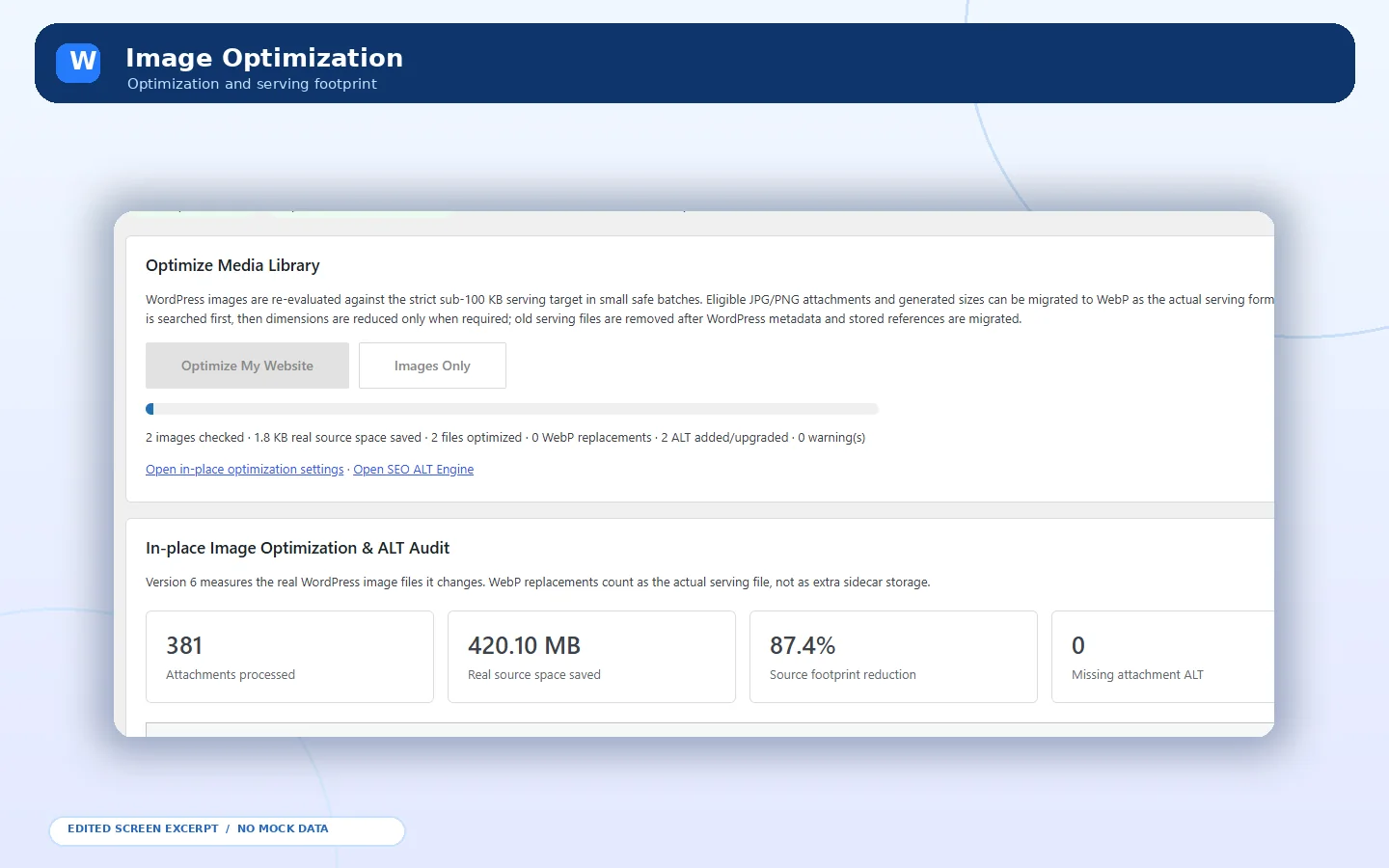 Optimization workflow
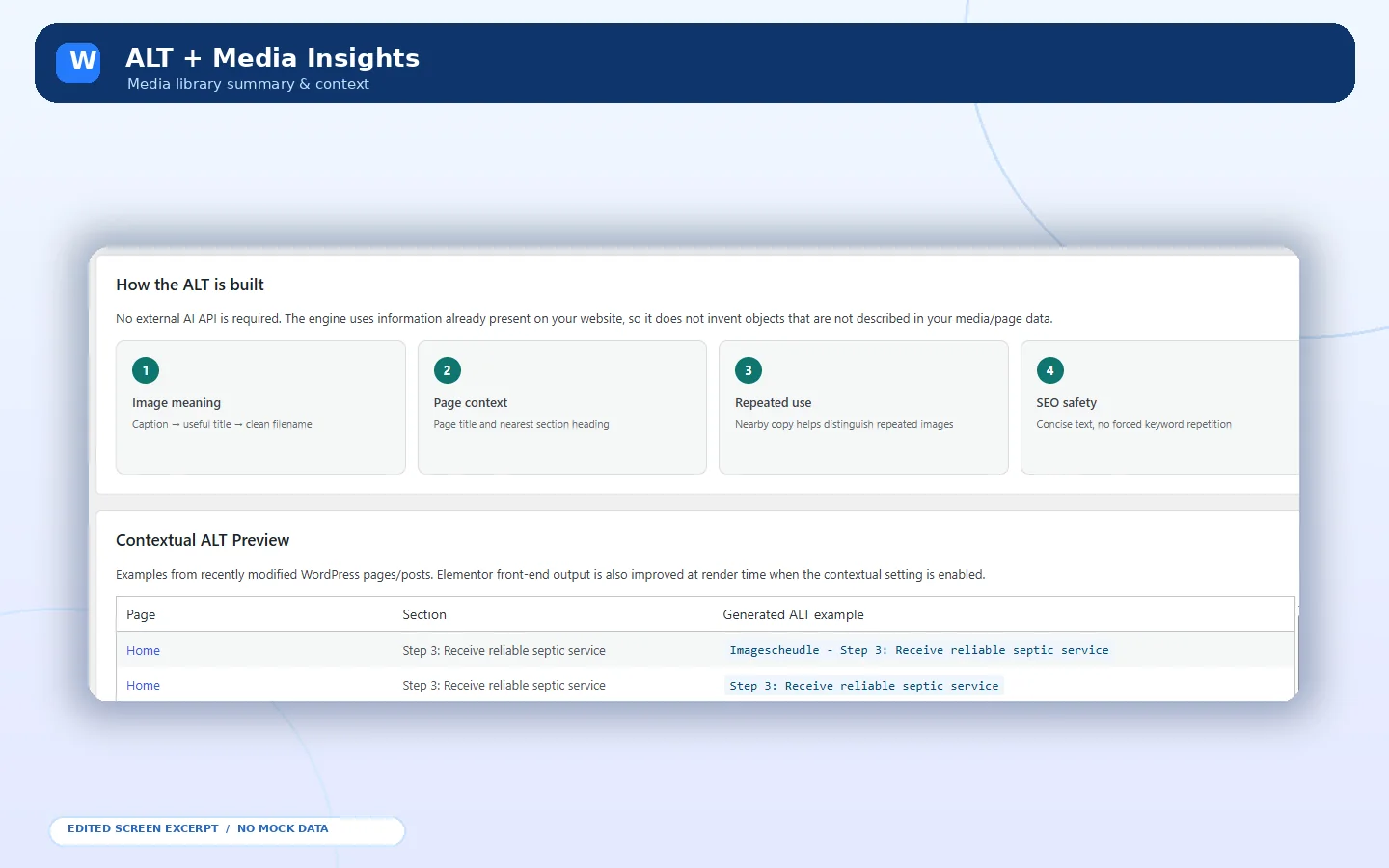 SEO ALT engine
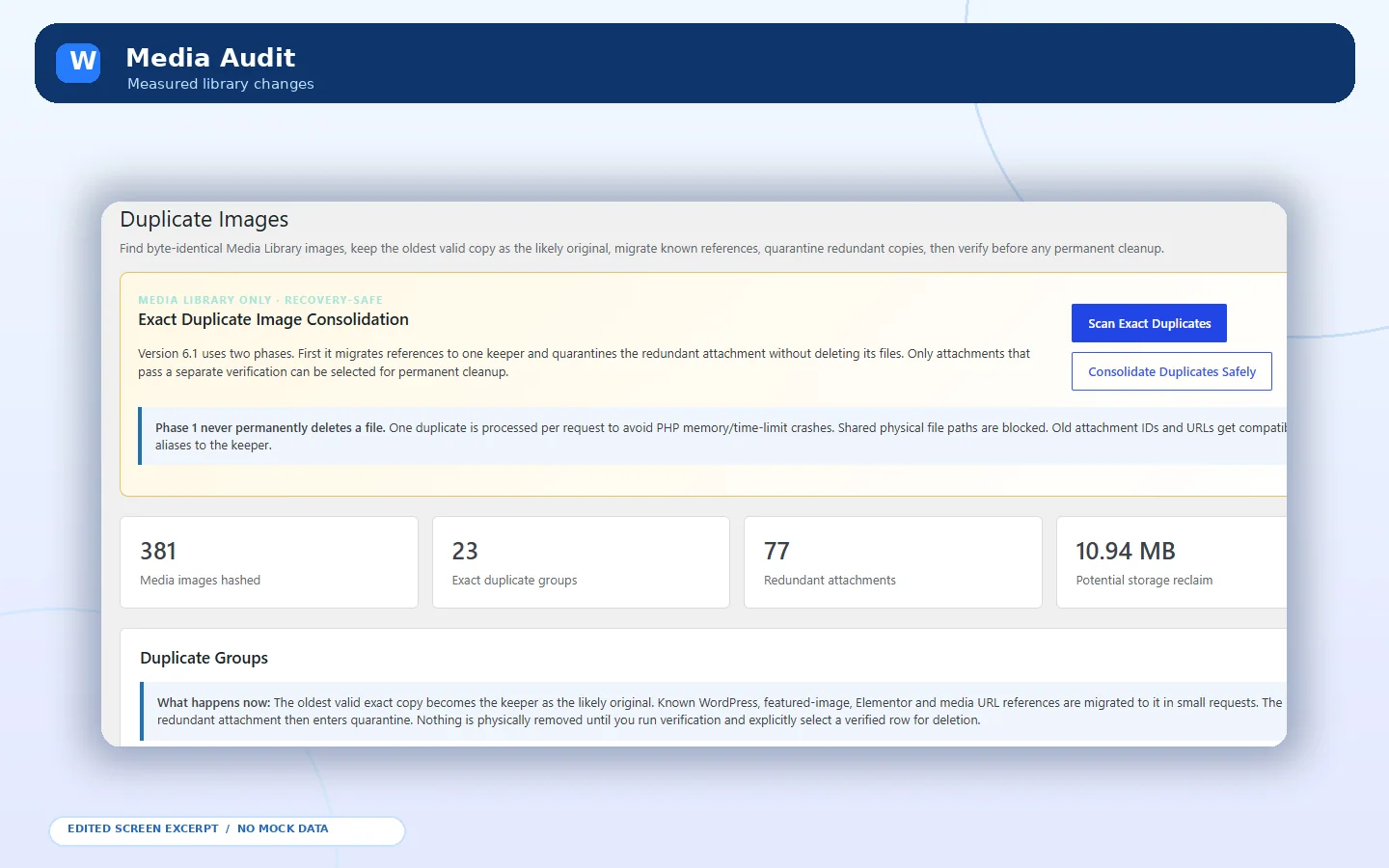 Duplicate review
PLUGIN INTERFACE / DEMONSTRATION
02 / FEATURES IN FOCUS
Explore the tools behind the workflow.
Select a capability to learn what it does. Each plugin is shown with edited interface previews built from the real admin screens you provided.
FEATURE EXPLORER / WORKFLOW HIGHLIGHTS
SELECTED CAPABILITY
Image optimization
Optimize selected attachments, page-used images or the entire Media Library.
01 / 06
03 / THE PRODUCT JOURNEY
Every step. Under your control.
Plan, execute and verify. Always follow the official documentation and confirm compatibility before touching a live site.
01
Review
Choose an image set and examine attachments before running a batch action.
02
Optimize
Select an image profile and conversion options supported by your server.
03
Verify
Review results, media references and any proposed cleanup before committing.
04 / REAL PLUGIN SCREENS
Explore the interface. Follow the workflow.
Browse interface previews of the WordPress plugin. Swipe, drag or use the arrows to see its features.
01 / 05
SCREEN 01
Unified dashboard
Wahab133 Media Maintainer · Real interface preview
SCREEN 02
Optimization workflow
Wahab133 Media Maintainer · Real interface preview
SCREEN 03
SEO ALT engine
Wahab133 Media Maintainer · Real interface preview
SCREEN 04
Duplicate review
Wahab133 Media Maintainer · Real interface preview
SCREEN 05
Settings control
Wahab133 Media Maintainer · Real interface preview
DRAG / SWIPE / KEYBOARD ARROWS
BEFORE PRODUCTION USE
Official documentation ↗Review compatibility. Keep an independent backup.
Confirm hosting and PHP support, latest plugin release notes and recovery procedures before processing production media or restoring a live site.
// GOOD TO KNOW
Questions worth answering.
A few practical answers before you take the next step.
Will it automatically delete old media?+
No. Cleanup and other potentially destructive actions are administrator-controlled and require review.
Is WebP or AVIF guaranteed for every image?+
No. Conversion depends on eligible formats and server capabilities. Strict filesize targets cannot guarantee visually lossless output.
Does it send my media to a remote service?+
The plugin description calls the optimizer local. An optional Google PageSpeed test sends a requested site URL to Google only when an administrator starts it.
HAVE A PROJECT IN MIND?
Start a conversation Let's build something worth remembering.
WordPress development, clean front-end work, fixes or a complete new experience—tell me what you need.