Admin interfaces
Purpose-built dashboards, permissions and reliable settings flows.
When an off-the-shelf tool cannot solve the problem, build focused WordPress functionality with considered admin UX, compatibility and security in mind.
 WORDPRESS / PHPCUSTOM CAPABILITIES
Each implementation is scoped to your site, supported integration points and maintenance needs.
Purpose-built dashboards, permissions and reliable settings flows.
Checkout, product, order and WooCommerce integration workflows.
Secure API connections, webhooks, data sync and background tasks.
Gutenberg blocks, Elementor components and custom content structures.
Safer import, export and reversible migration operations.
Validation, nonces, escaping, testing and upgrade-safe architecture.
Two official WordPress.org plugin listings demonstrating practical plugin development. Screens below explain workflows; they're not captured admin UIs.
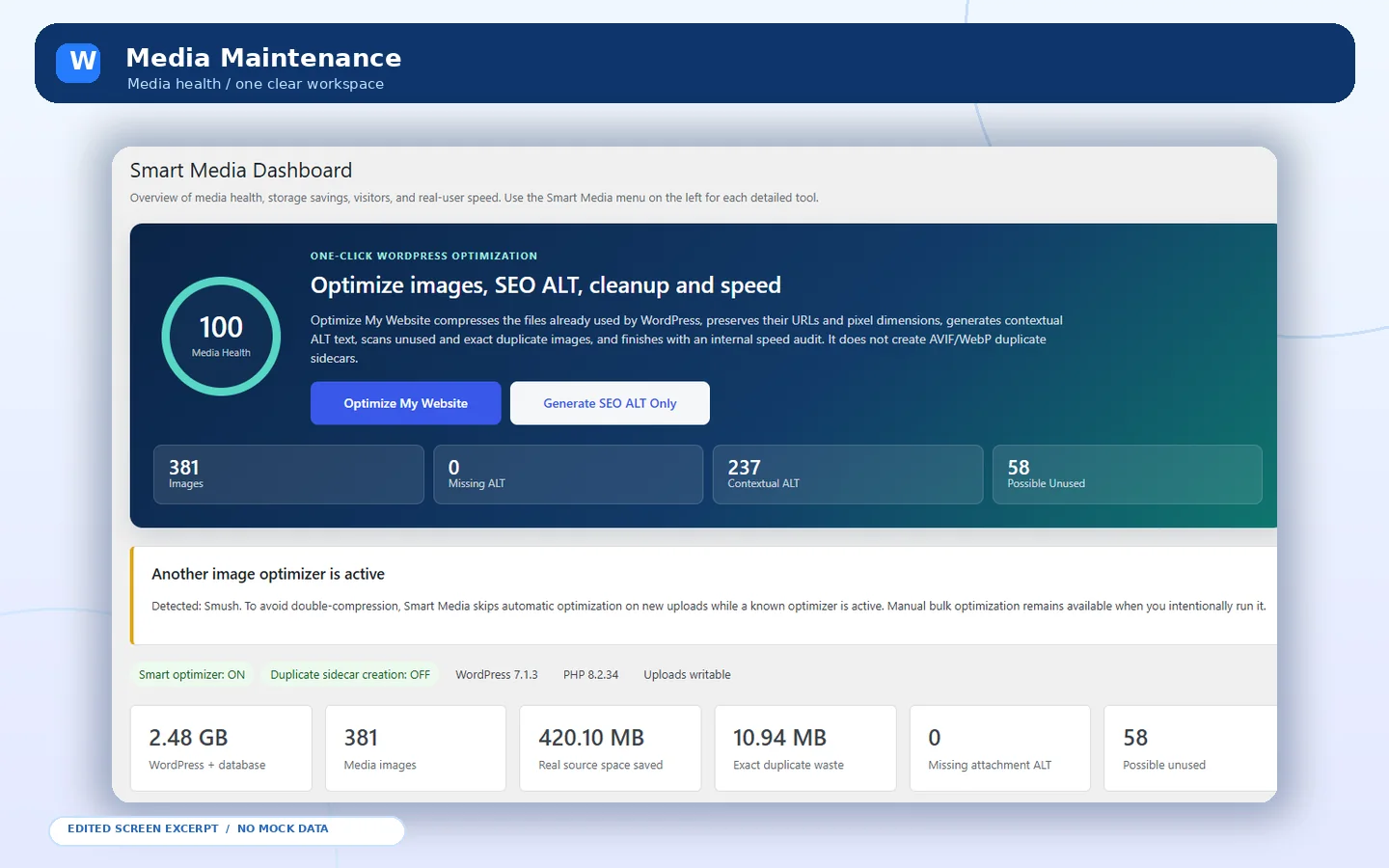 EDITED FROM REAL SCREENS
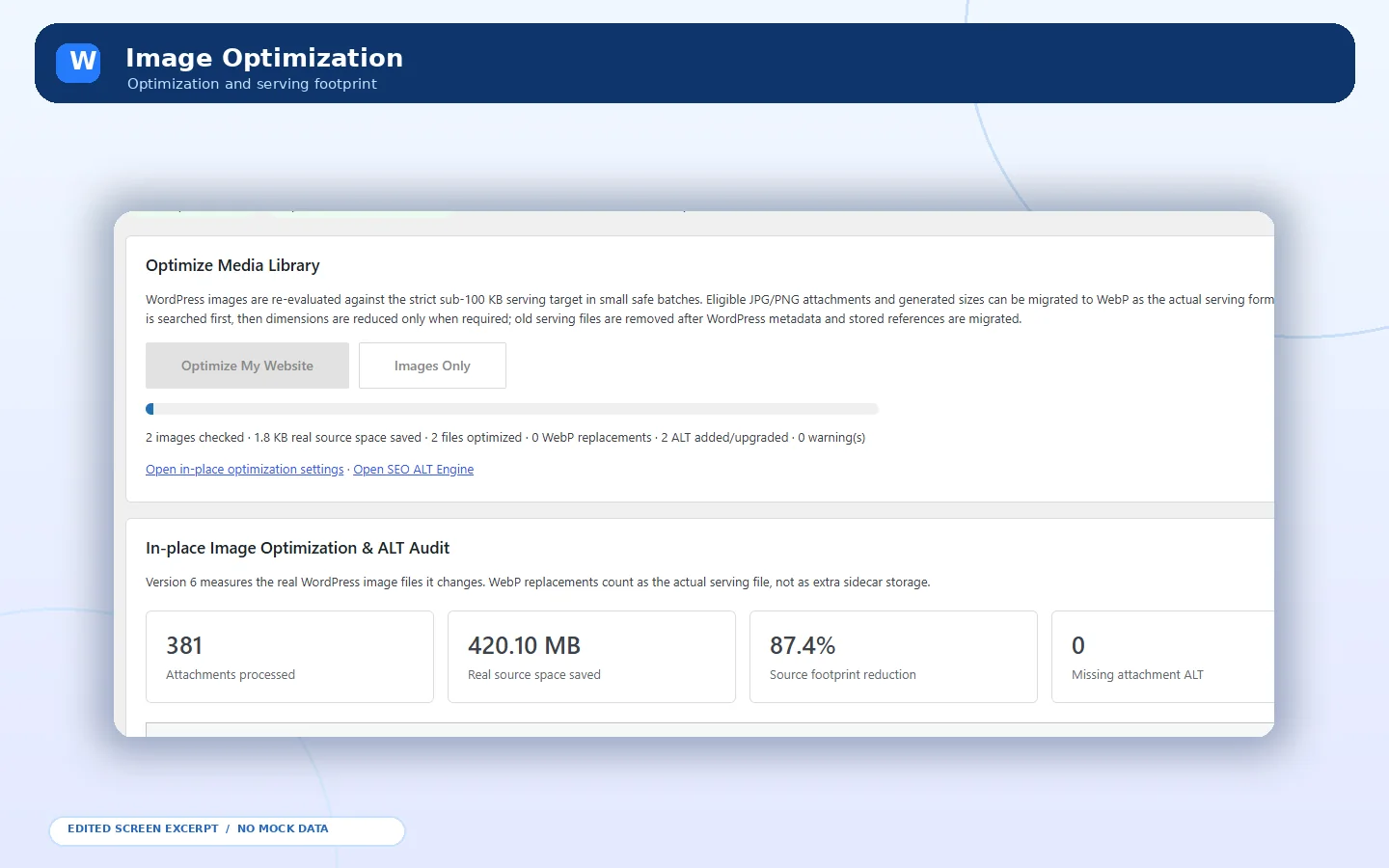
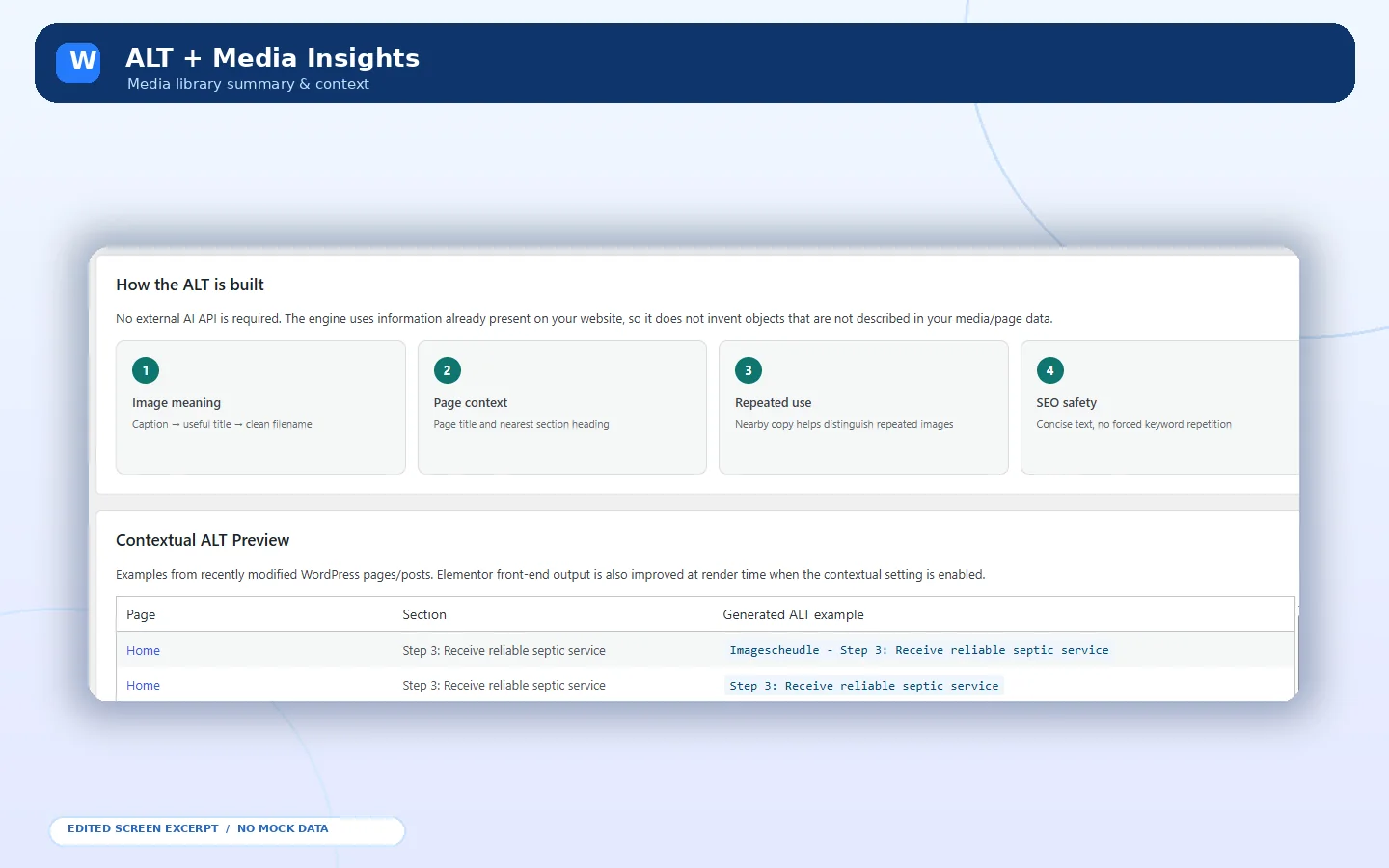
Optimize images, review duplicate attachments and keep the Media Library manageable—with deliberate admin control over changes.
Explore this plugin ↗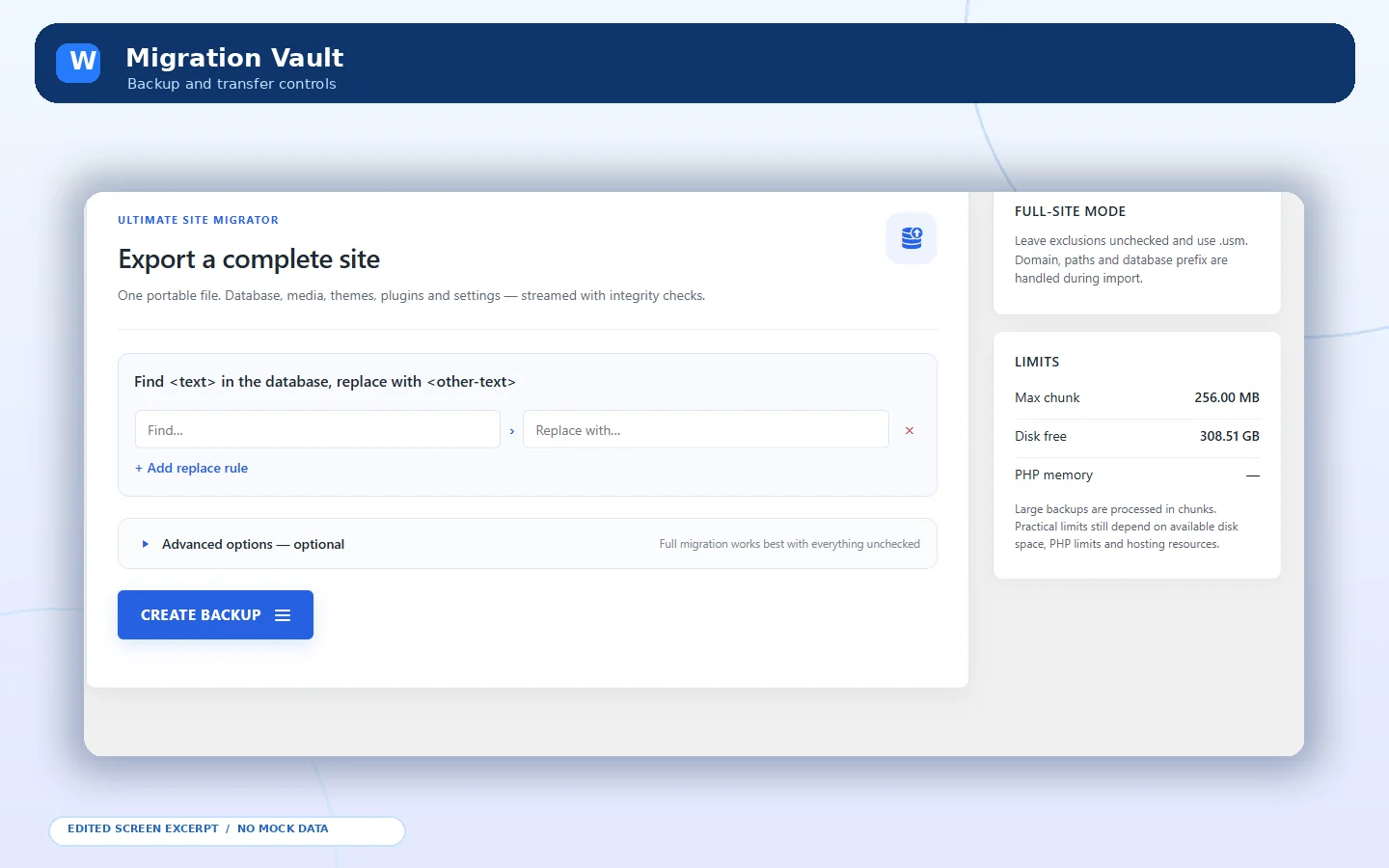 EDITED FROM REAL SCREENS
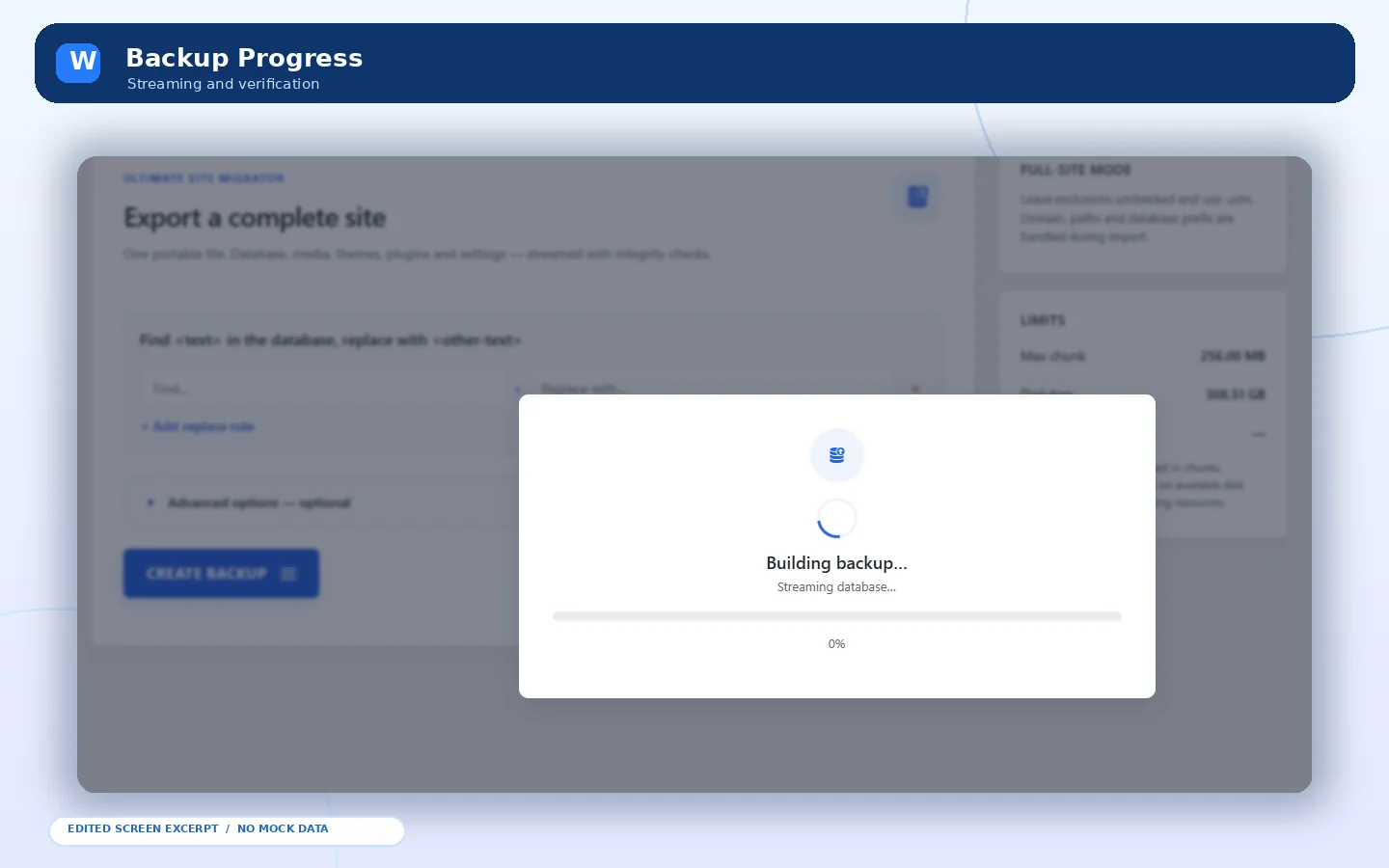
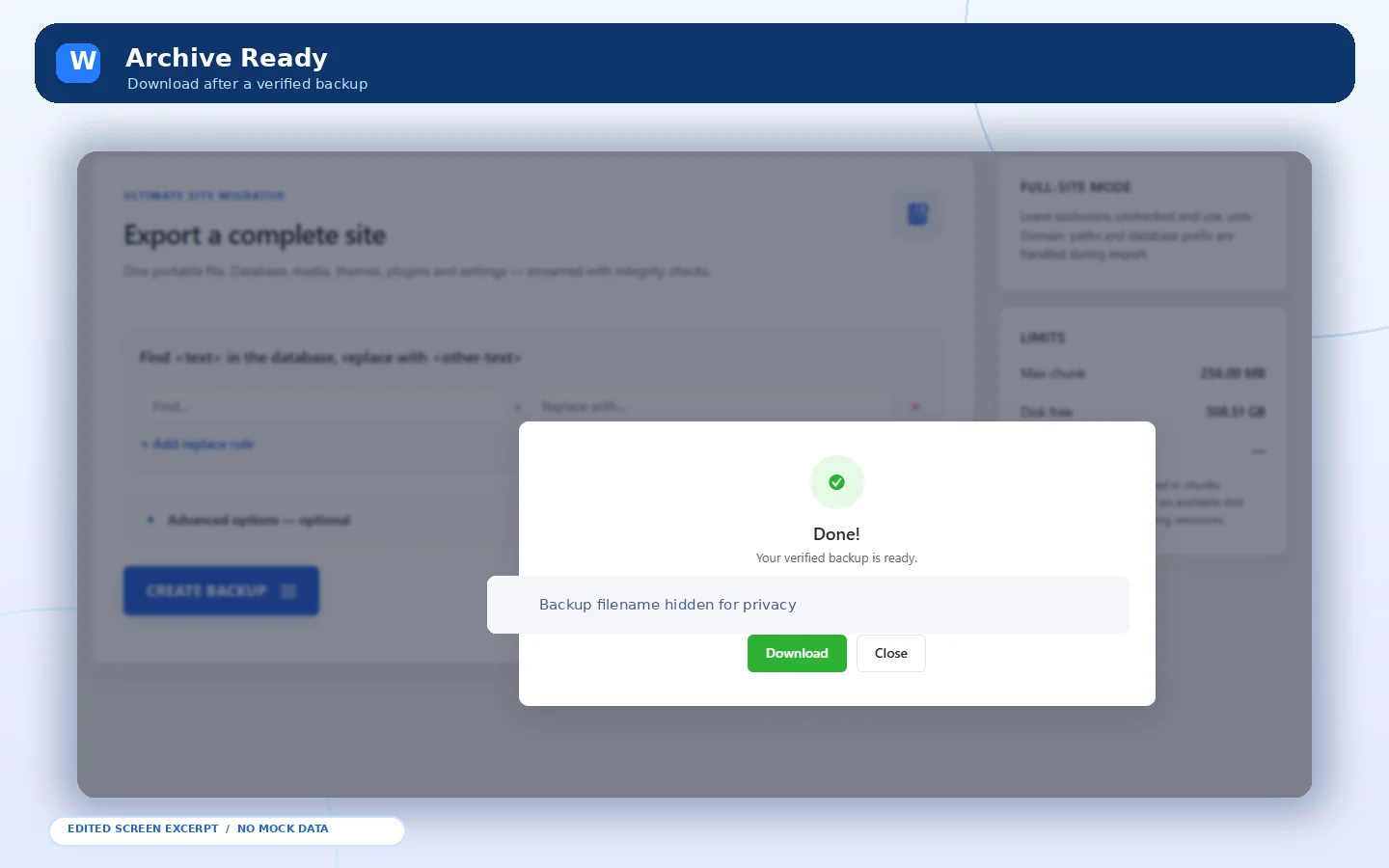
BackupBridge is a free all-in-one WordPress backup, restore and website migration plugin. Export your database and wp-content into a portable .usm archive, then import and restore on a supported WordPress installation. No paid upgrade or plugin-imposed fixed local backup size cap; actual limits depend on hosting resources.
Explore this plugin ↗A few practical answers before you take the next step.
Yes. Work starts with defining the scope, WordPress APIs, data flow, roles, compatibility and testing needs.
Sometimes. Supported extension points and update behavior should be reviewed before adding custom features.
Yes. Purpose-built functionality can include e-commerce workflows, server-side data exchange and admin controls.
WordPress development, clean front-end work, fixes or a complete new experience—tell me what you need.