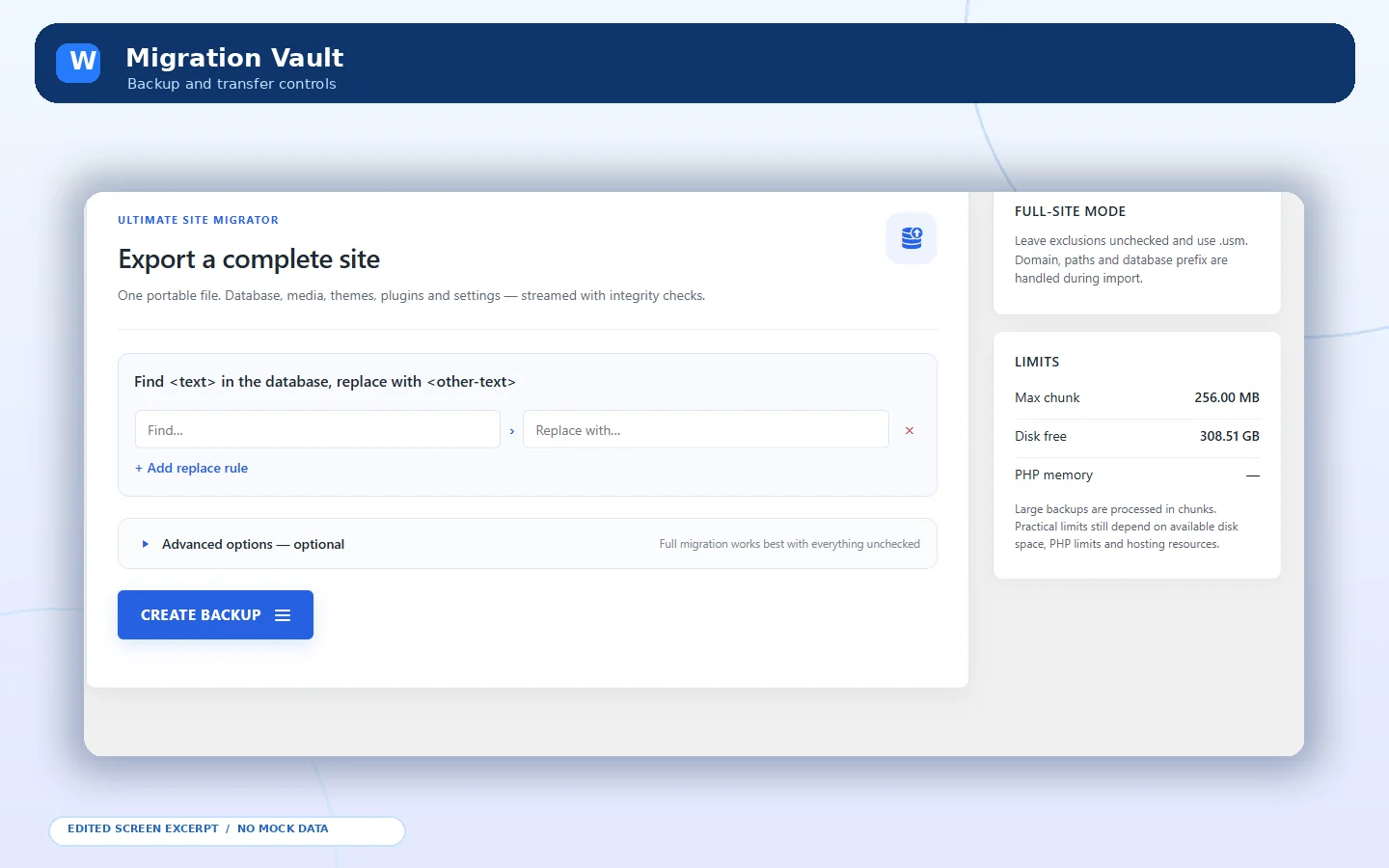
 Export interface
FREE WORDPRESS BACKUP & MIGRATION / PUBLISHED WORDPRESS TOOL
Free WordPress backups, restores and migrations. Built for control.
BackupBridge is a free all-in-one WordPress backup, restore and website migration plugin. Export your database and wp-content into a portable .usm archive, then import and restore on a supported WordPress installation. No paid upgrade or plugin-imposed fixed local backup size cap; actual limits depend on hosting resources.
WordPress admin interface previews · screen details may vary by installation
EDITED FROM REAL SCREENS
01 / THE PROBLEM, THE SOLUTION
Good tools make complex work clearer.
BackupBridge is a free all-in-one WordPress backup, restore and website migration plugin. Export your database and wp-content into a portable .usm archive, then import and restore on a supported WordPress installation. No paid upgrade or plugin-imposed fixed local backup size cap; actual limits depend on hosting resources.
Export interface
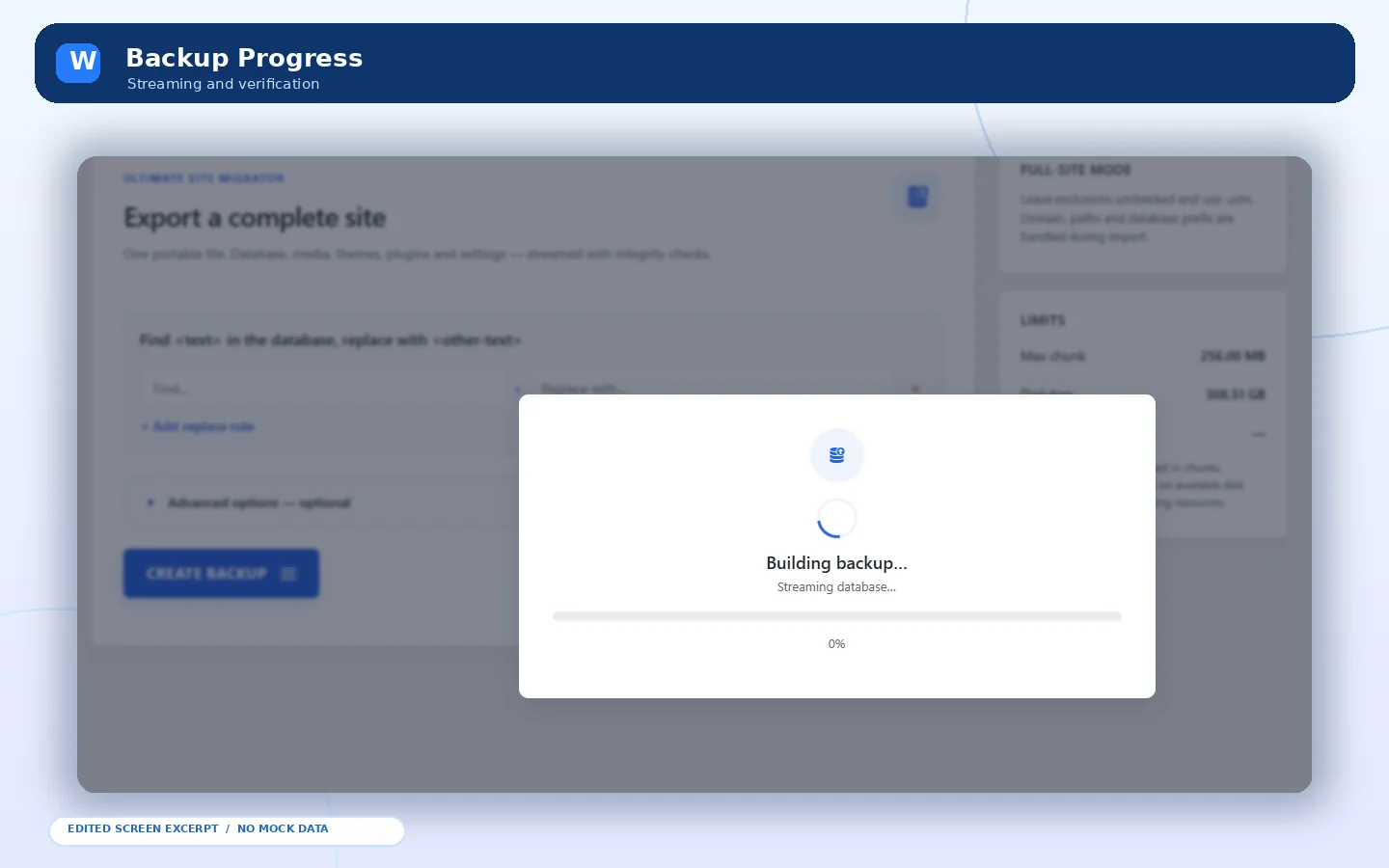 Backup progress
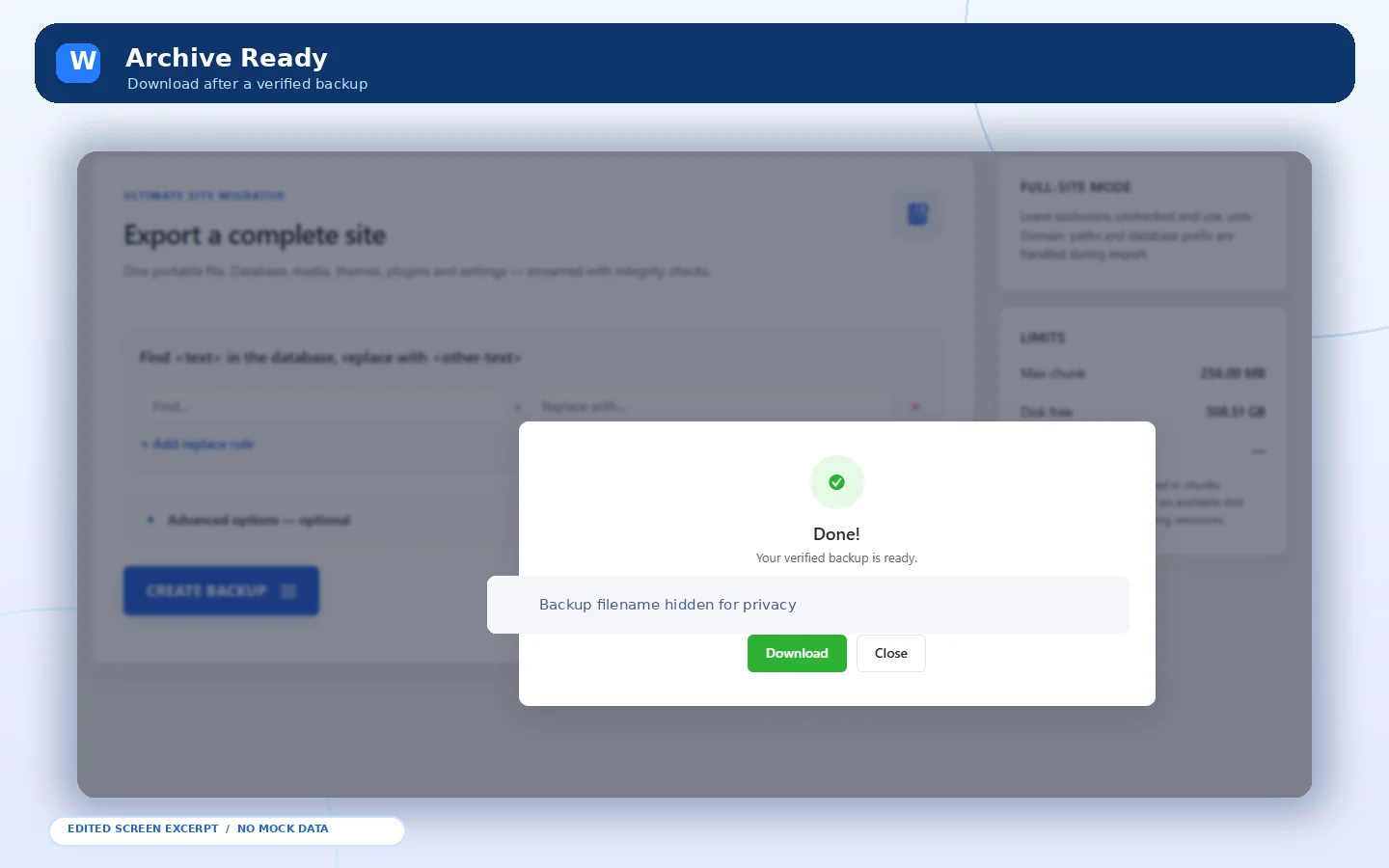 Ready archive
 Backup history
PLUGIN INTERFACE / DEMONSTRATION
02 / FEATURES IN FOCUS
Explore the tools behind the workflow.
Select a capability to learn what it does. Each plugin is shown with edited interface previews built from the real admin screens you provided.
FEATURE EXPLORER / WORKFLOW HIGHLIGHTS
SELECTED CAPABILITY
Full-site backup and restore
Export the database and wp-content into native .usm archives and restore compatible backups from local files or the server.
01 / 08
03 / THE PRODUCT JOURNEY
Every step. Under your control.
Plan, execute and verify. Always follow the official documentation and confirm compatibility before touching a live site.
01
Create backup
Export a WordPress .usm backup of the database and wp-content; save an independent copy.
02
Transfer or import
Upload a supported backup with chunk verification, or select a backup already on the destination host.
03
Preflight & restore
Check PHP/database/storage compatibility, restore with checkpoints, and verify the resulting site on staging before production use.
04 / REAL PLUGIN SCREENS
Explore the interface. Follow the workflow.
Browse interface previews of the WordPress plugin. Swipe, drag or use the arrows to see its features.
01 / 05
SCREEN 01
Export interface
BackupBridge – Free Backup & Migration · Real interface preview
SCREEN 02
Backup progress
BackupBridge – Free Backup & Migration · Real interface preview
SCREEN 03
Ready archive
BackupBridge – Free Backup & Migration · Real interface preview
SCREEN 04
Backup history
BackupBridge – Free Backup & Migration · Real interface preview
SCREEN 05
Migration settings
BackupBridge – Free Backup & Migration · Real interface preview
DRAG / SWIPE / KEYBOARD ARROWS
WORDPRESS.ORG PLUGIN / RELEASE DETAILS
BackupBridge — Official Release
Free backup, restore and migration functionality from the official WordPress.org plugin page. By wahab133.

Free full-site backup and migration
Back up your database, media, themes, plugins and site settings into a native portable .usm archive. Local export, import and restore are free without a premium upgrade or plugin-enforced fixed total size cap. Actual storage, PHP and database restrictions vary by host.
Resumable transfers & integrity checks
Large transfers use resumable upload chunks with per-chunk SHA-256 verification and server-side resume checks. Durable restore checkpoints and per-entry integrity metadata help detect incomplete or corrupted transfers.
Staging, recovery & rollback
Preflight validation and rollback-oriented restores help reduce risk. The plugin describes staged database activation and journaled file recovery. These are safety mechanisms—not a promise that every host or migration will succeed. Test the restore on staging and keep an independent backup.
Import formats & administration
Use native .usm backups (recommended), supported ZIP imports or compatible classic uncompressed .wpress archives. Compressed or encrypted .wpress variants may be unsupported. Admin utilities include diagnostics, selective restore, mirror workflows and WP-CLI commands.
Technical implementation notes
For developers: the official documentation describes database-aware domain replacement, checkpointed imports, rollback journals, destination privilege and storage preflights, and verification of streamed chunks. It also documents readable JavaScript/CSS sources and reproducible compact admin assets.
Migration operations are admin-restricted, with nonce checks for ordinary actions and recovery-specific authorization during database restoration. The plugin’s administrator-only assets are not loaded on ordinary public site pages.
Before restoring a live site
Check WordPress/PHP compatibility, available disk space, database privileges and backups. Create an external recovery copy, test a complete restore on staging and review the official support documentation. Built-in cloud import/export is not available.
Advanced BackupBridge details: restore architecture, security and source files
How restoration protects existing data
The official plugin description documents a staged database restore, an atomic RENAME TABLE for the final switch, a journaled rollback area for original files, a private maintenance marker, recovery checkpoints and preflight validation. These safeguards are designed to reduce incomplete restorations; they do not remove the need for staging and backups.
Database-aware migration
Documented mechanisms include keyset search/replace (avoiding expensive substring scans), handling binary-safe columns, tables without a primary key, oversized values, streamed rows, views/triggers and generated columns. Destination privilege, packet-size, collation and storage checks are included in the published design.
Uploads and selective recovery
Large backup transfers use individually hashed SHA-256 chunks, resumable server-side verification and checkpointed restore operations. Selective restore, mirror mode, orphan-cleanup options, CLI commands and fault-injection testing are described in the official technical notes.
Access controls and performance scope
Ordinary migration operations require an authorized administrator and a valid request nonce. During database restoration, recovery-specific bearer tokens can authorize remaining checkpoint operations when the old login becomes invalid. Admin-only scripts and styles are limited to Site Migrator screens; public-page performance claims are not implied.
Readable source files
The plugin listing states that its readable JavaScript and stylesheet sources are supplied as src/admin.js and src/admin.css, with compact production counterparts under assets/. The documented build command is python3 tools/build_assets.py. Consult the installed version's actual source and official documentation before modifying it.
BEFORE PRODUCTION USE
Official documentation ↗Review compatibility. Keep an independent backup.
Confirm hosting and PHP support, latest plugin release notes and recovery procedures before processing production media or restoring a live site.
// GOOD TO KNOW
Questions worth answering.
A few practical answers before you take the next step.
Is BackupBridge completely free?+
Yes. Local backup, import, export and restore functionality has no subscription or premium-size unlock. Host disk space and PHP/database limits still apply.
Can I migrate a large WordPress website?+
The plugin does not impose a fixed total local backup-size cap. Chunked transfers and checkpoints support large jobs, but server resources, privileges and space determine what is possible.
What backup formats are supported?+
Native .usm is recommended. Supported ZIP archives and classic uncompressed .wpress backups can also be imported. Compressed or encrypted .wpress variants may not be compatible.
Does BackupBridge support cloud backups?+
Built-in cloud import and export are not currently available. Local backup, import, export and restore workflows are supported.
Is every restore guaranteed safe?+
No. Keep an independent backup, review destination permissions and host limits, and test recovery on a staging website before touching production.
Where can I download or get support?+
The latest public plugin, release details, installation guidance and support forum are available on the official WordPress.org listing.
HAVE A PROJECT IN MIND?
Start a conversation Let's build something worth remembering.
WordPress development, clean front-end work, fixes or a complete new experience—tell me what you need.