WordPress Bug Fix
Resolve broken layouts, plugin conflicts, form issues or errors after a site update.
Request troubleshooting ↗Targeted support for WordPress development, front-end development, website maintenance, API integrations and Shopify or Squarespace improvements — planned around what your website actually needs.
Start with a focused request instead of planning an unnecessary full rebuild. The scope is confirmed after reviewing your site.
Resolve broken layouts, plugin conflicts, form issues or errors after a site update.
Request troubleshooting ↗Improve responsive pages, reusable sections, product presentation and storefront interactions.
Discuss an improvement ↗Investigate slow-loading assets, page weight and Core Web Vitals issues before prioritizing fixes.
Ask for a performance review ↗Plan an administrator tool, integration or extension that fits an existing WordPress setup.
Explore plugin development ↗Explore five focused web services: WordPress builds, responsive front-end development, performance fixes, API integrations and Shopify or Squarespace support.
Tell me the challenge. We can find the right approach together.
Talk it through ↗
Custom WordPress development for businesses that need a polished website, flexible content management and dependable day-to-day editing. Ideal for Elementor builds, custom themes, WooCommerce improvements and website refresh work.
Responsive front-end development using HTML, CSS and JavaScript with strong attention to layout accuracy, performance and interaction quality. A good fit for custom pages, UI polish and reusable sections that need to behave cleanly across devices.
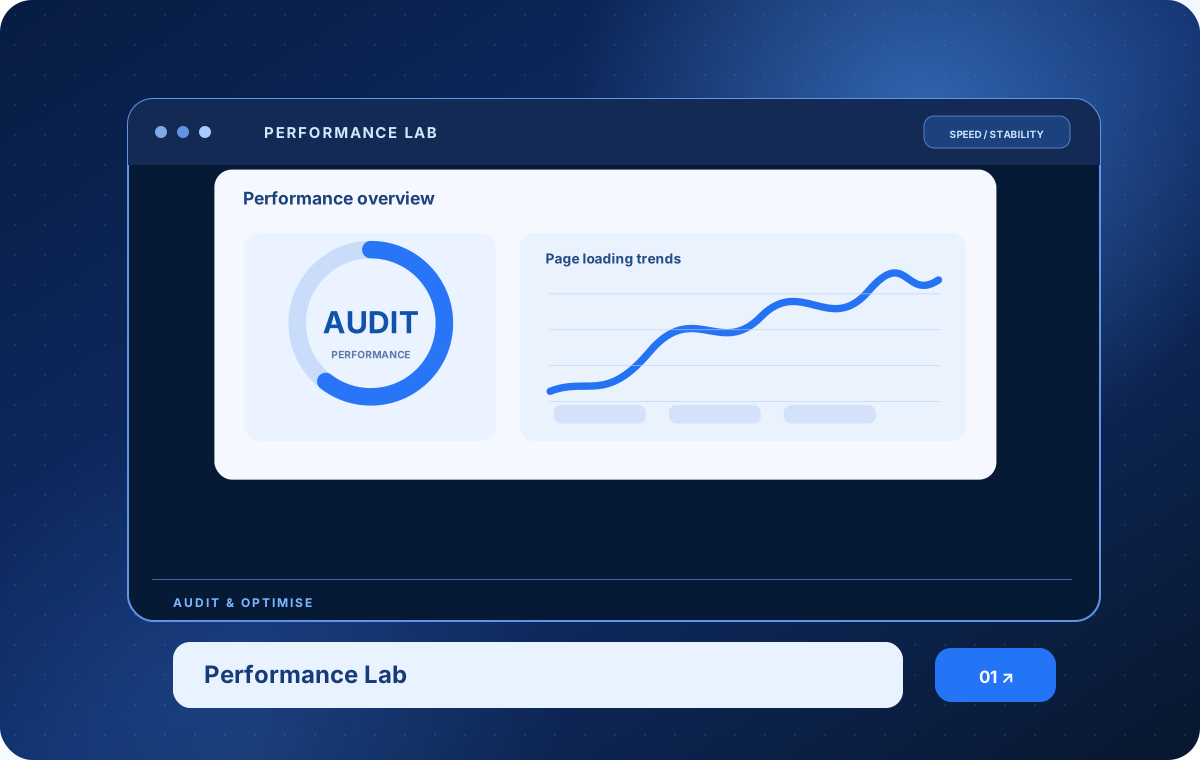
Practical website troubleshooting for slow pages, layout bugs, unstable plugins and fragile updates. The goal is to diagnose the real issue, improve performance and keep the reliable parts of your website intact.
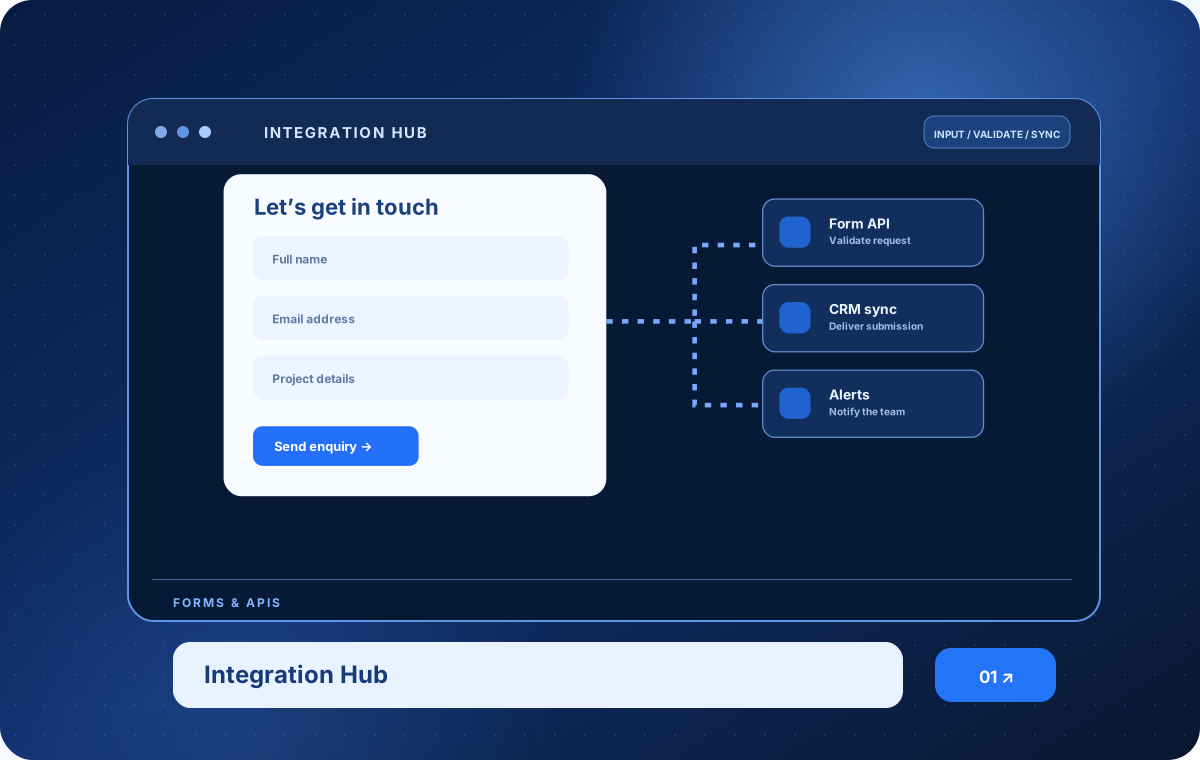
From custom contact flows to API integrations, this service helps websites connect with the tools behind the business. Built for lead capture, third-party apps, validation flows and cleaner information handling.
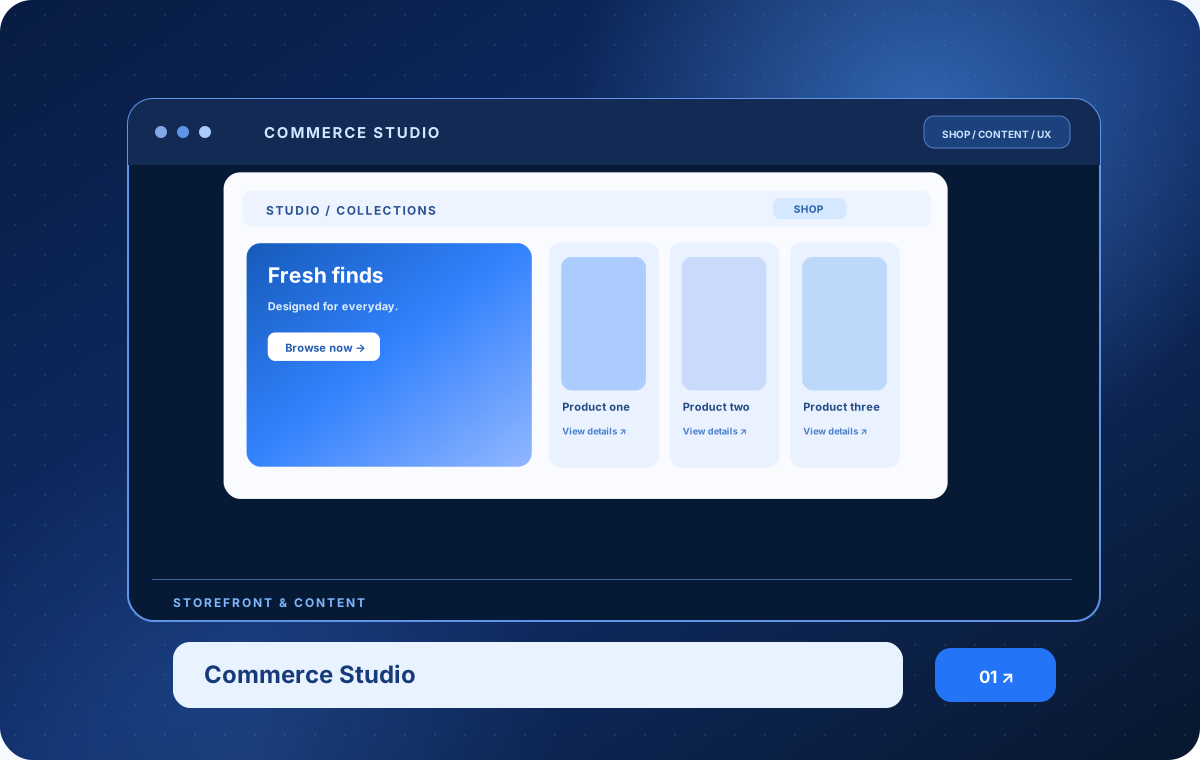
Responsive improvements, content structure updates and practical technical support for Shopify and Squarespace websites. Useful for refining storefront sections, service pages, product presentation and customer journeys without overcomplicating the build.
Use the arrow keys to browse services
The best result is a website that looks better, feels smoother and is easier to manage after launch.
Navigation, content hierarchy and responsive layouts that help people find the information or action they came for.
Manageable content, working forms and integrations that fit your tools rather than adding unnecessary complexity.
Focused debugging, performance-minded decisions and quality checks that protect the things already working.
Not every project needs the same scope. These four stages help keep decisions transparent and the work practical.
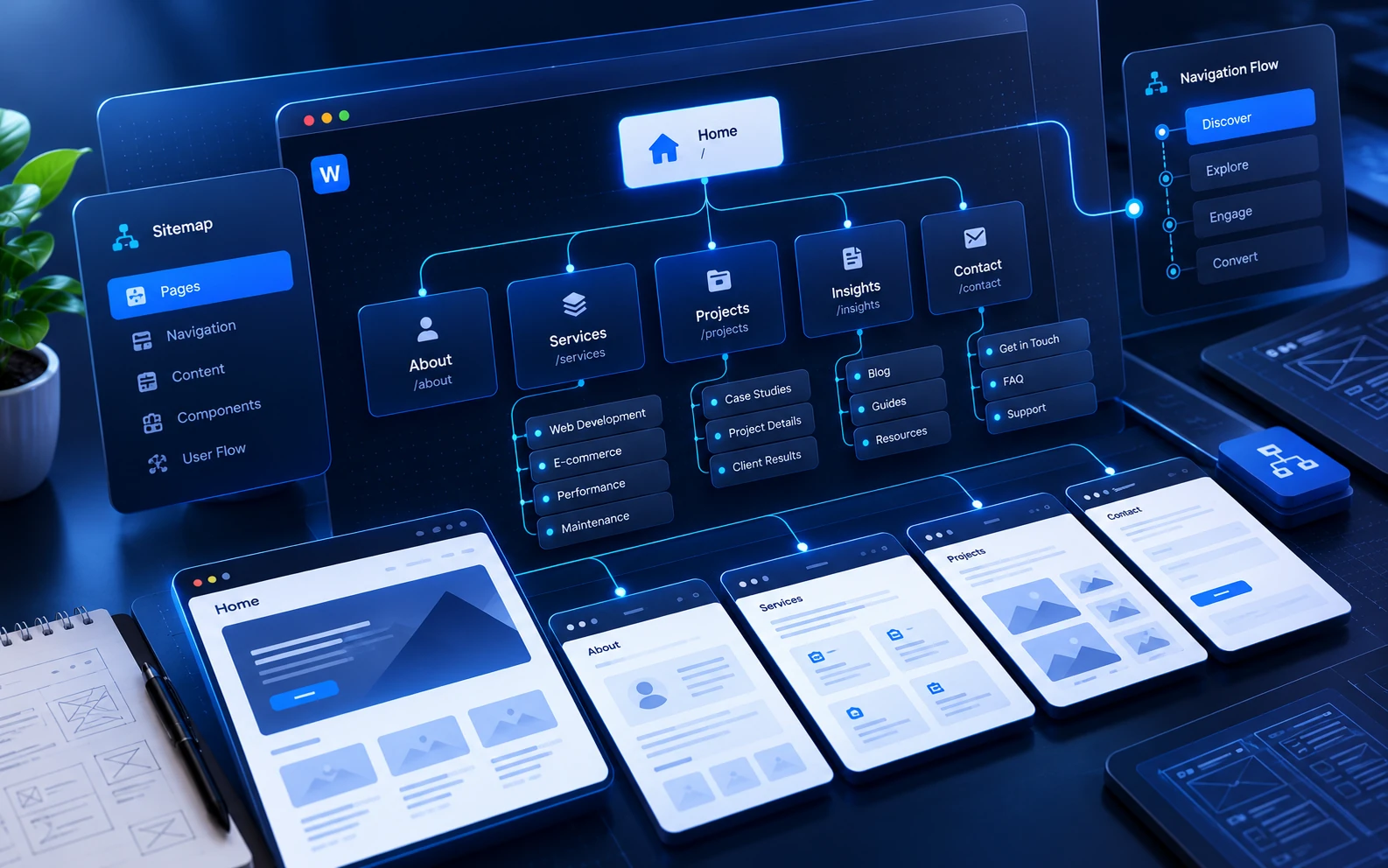
Review the current website, audience, requirements and priorities. Identify the constraint before choosing a framework, plugin or redesign.
Map the page structure, interface patterns and key user journeys. Agree on what is changing—and what needs to remain untouched.
Implement responsive code, platform changes or integrations with maintainable patterns and interactions that feel natural.
Review navigation, forms, layouts and behavior at different screen sizes. Resolve issues found in testing and prepare a clear handover.
Have a different way of working? The approach can be adapted to the project, team and current codebase.
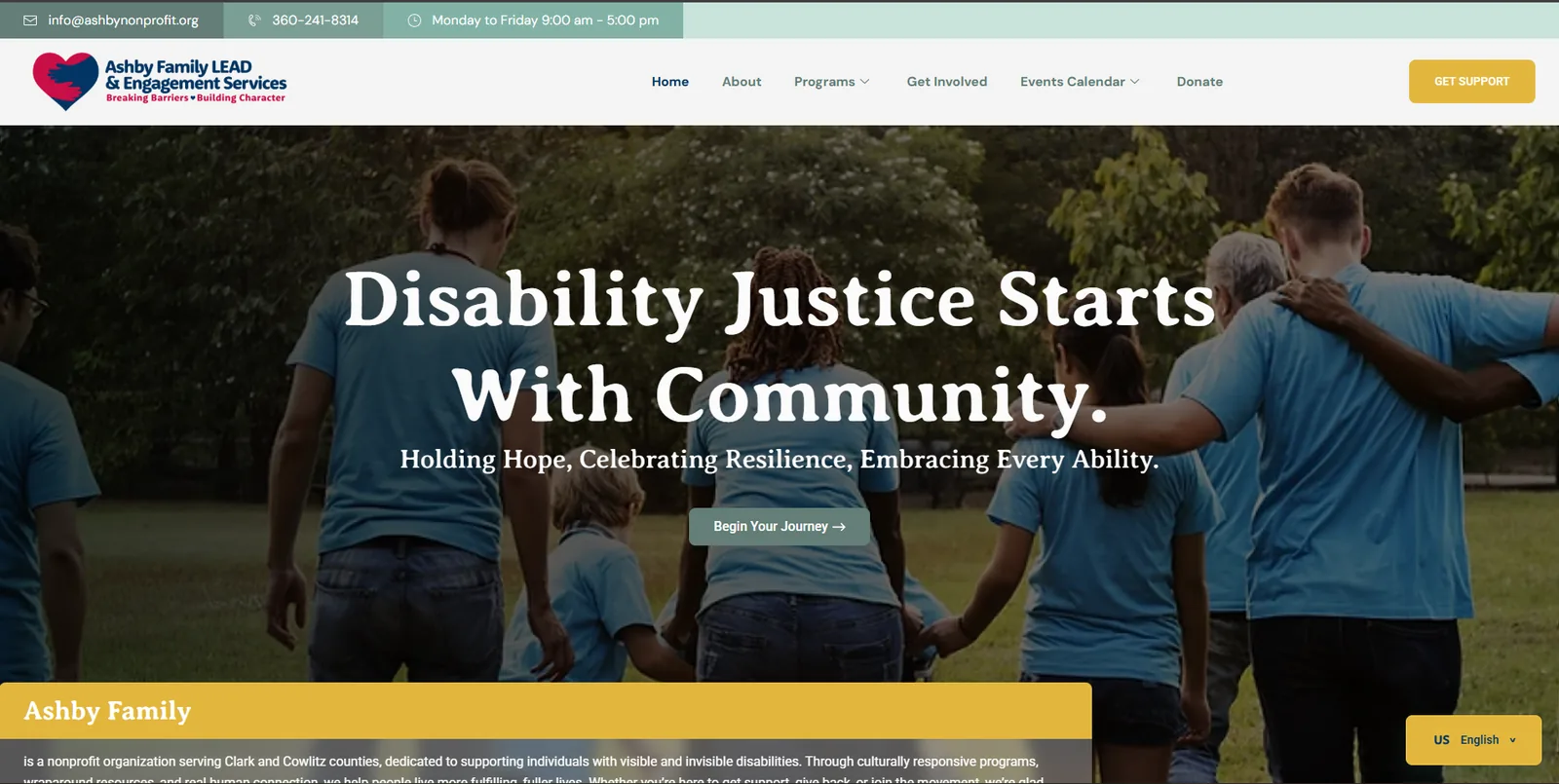
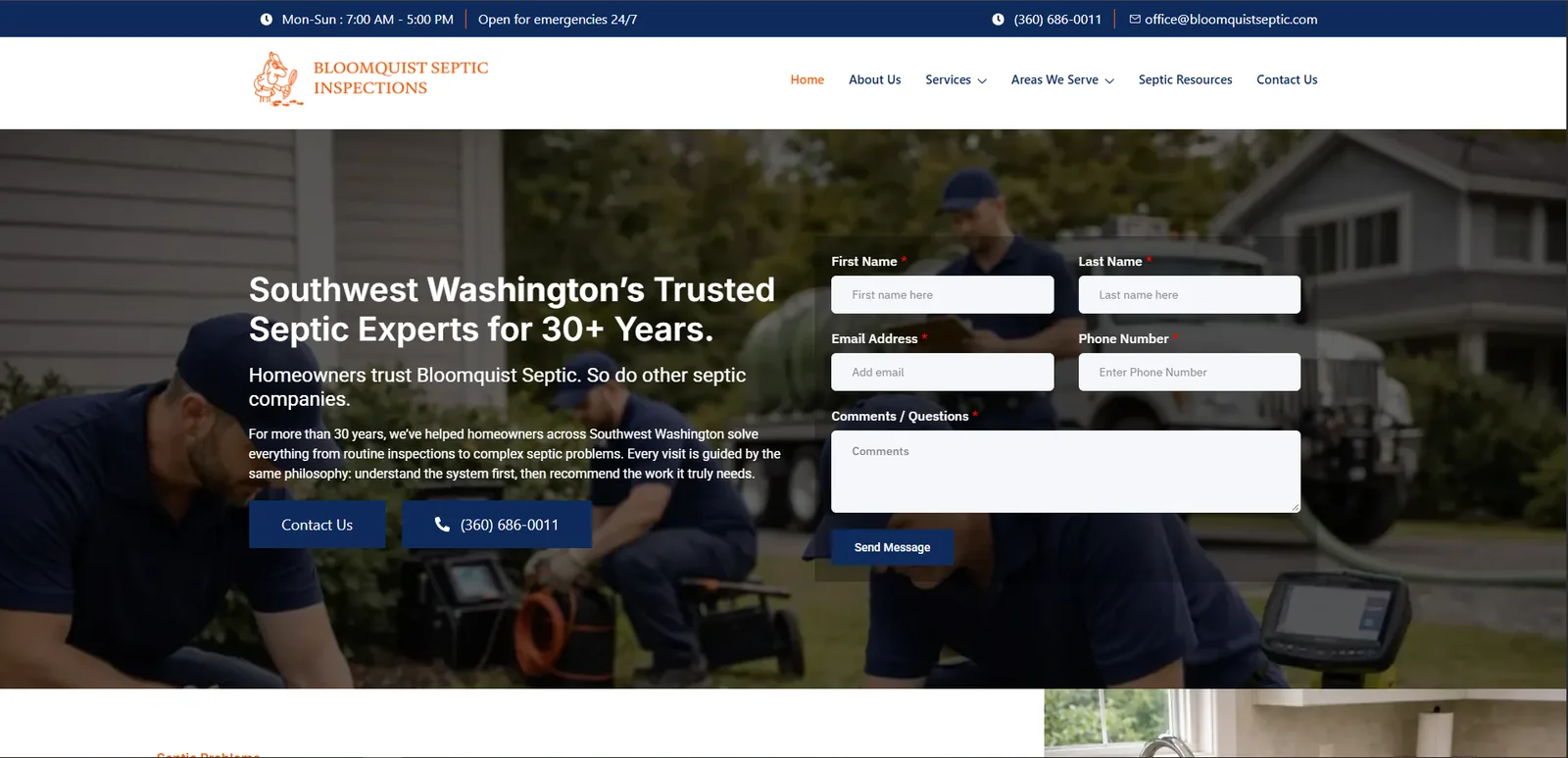
Explore a few real websites from the portfolio. Each preview below uses an original project screenshot.


A few helpful answers about the services, deliverables and the best way to start a conversation.
Ask a different questionYes. Share the current site, what you want to achieve and what is not working. We can define the scope before committing to a platform or implementation method.
Often, yes. I can review an existing WordPress, front-end, Shopify or Squarespace implementation and recommend focused changes where they make sense. The approach depends on how the site is built and maintained.
Responsive behavior is considered throughout development. Navigation, readable typography, image sizing, forms and interactions are checked across suitable viewport sizes.
Yes. The scope can include forms, APIs, third-party tools, UI bugs and performance issues. I first review the existing setup to determine what can be changed safely.
A link to your website if you have one, your project goal, the pages or features involved, examples you like and any timeline or platform constraints. Even a short outline is a useful starting point.
Whether you need WordPress development, front-end updates, performance fixes or cleaner integrations, the first step is understanding the real requirement.