Key takeaways
- Find the actual bottleneck before installing a fix.
- Prioritize the first meaningful view and real interactions.
- Re-test functionality as well as metrics after each change.
A developer-first workflow for LCP, INP and CLS fixes that avoids adding plugins before diagnosing the real bottleneck.
Measure a real page before changing anything
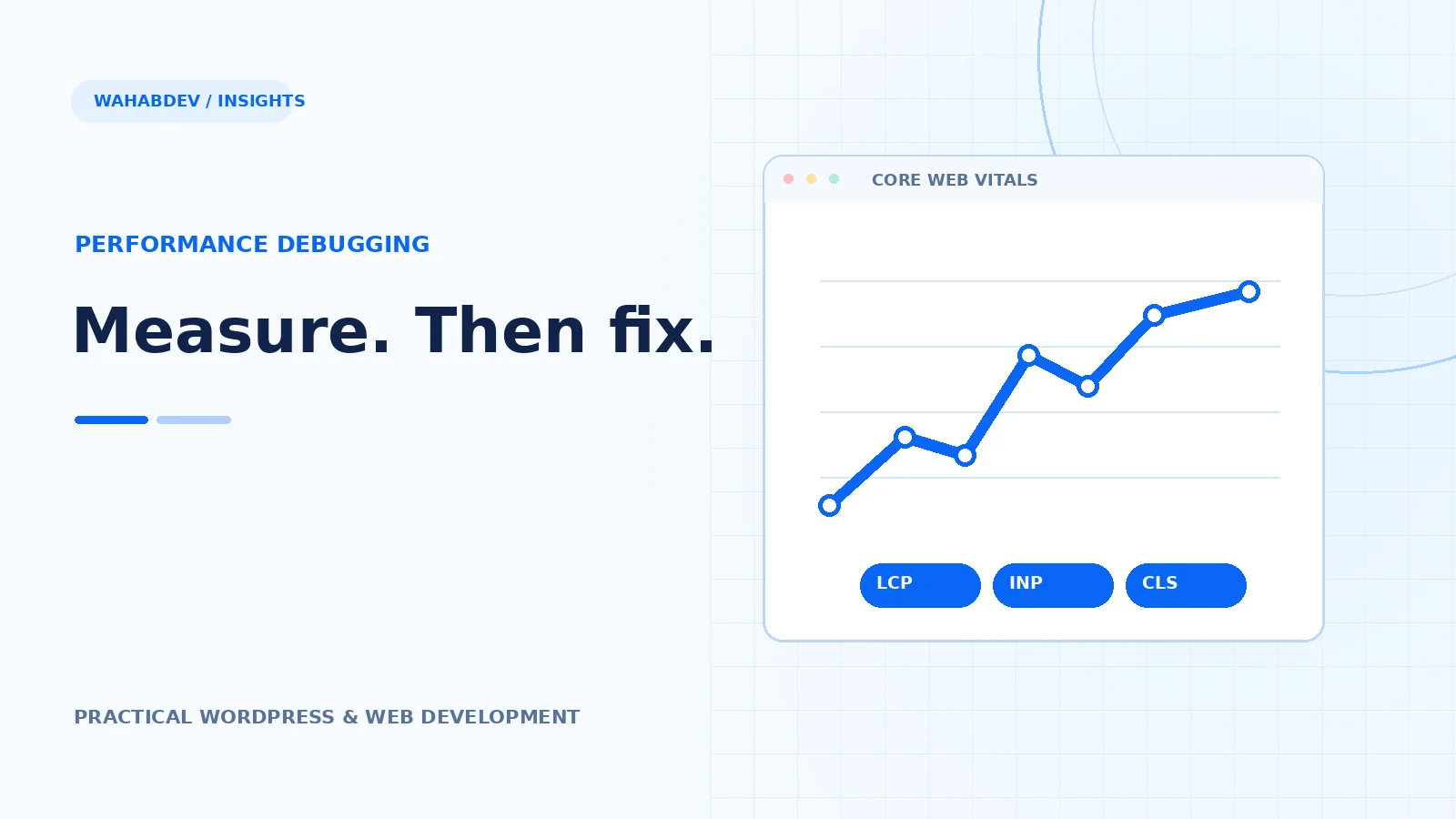
Pick a representative homepage, article, service page and any commerce templates. Check field data when available, then use lab tools to reproduce slow moments. A site can perform well in desktop Lighthouse and feel sluggish on an actual phone. Record what loads, when it appears and how long it takes to respond to interaction. Do not begin by installing a stack of optimization plugins.
- Check Search Console Core Web Vitals for field trends.
- Use DevTools to inspect network and long tasks.
- Test with throttled mobile conditions.
Start with LCP when the first view feels slow
Largest Contentful Paint reflects the main visible content. Common causes include a heavy hero image, render-blocking CSS, slow initial server response and web fonts that arrive late. Check whether the hero image is correctly sized and discoverable in the original HTML. Avoid lazy-loading the main above-the-fold image. Preloading everything is not the answer; prioritize the genuinely important request.
- Use properly sized WebP or AVIF where supported.
- Avoid hiding main content behind animation delays.
- Review hosting and caching if server time dominates.
Treat INP as an interaction problem
Interaction to Next Paint measures responsiveness across real user interactions. Too much JavaScript, expensive event listeners and large DOM updates can make a button feel unresponsive. Investigate the specific controls people use: menus, search, filters and forms. Split long work, reduce unnecessary third-party JavaScript and avoid complicated visual effects on every scroll event. The target is a responsive interface, not an empty one.
- Profile long tasks around user interactions.
- Remove duplicate libraries and unused widgets.
- Check third-party embeds that compete for the main thread.
Find the source of CLS instead of hiding symptoms
Cumulative Layout Shift often comes from images without dimensions, dynamic banners, injected embeds or fonts that change text size. Reserve predictable space for those elements. Avoid injecting a new notice above content once someone has started reading. If a card jumps when an image loads, fix the layout contract; hiding overflow will not make the movement disappear.
- Give media a width and aspect ratio.
- Allocate space for sticky banners and embeds.
- Test loading with cache cleared and slower connections.
Re-test the whole experience
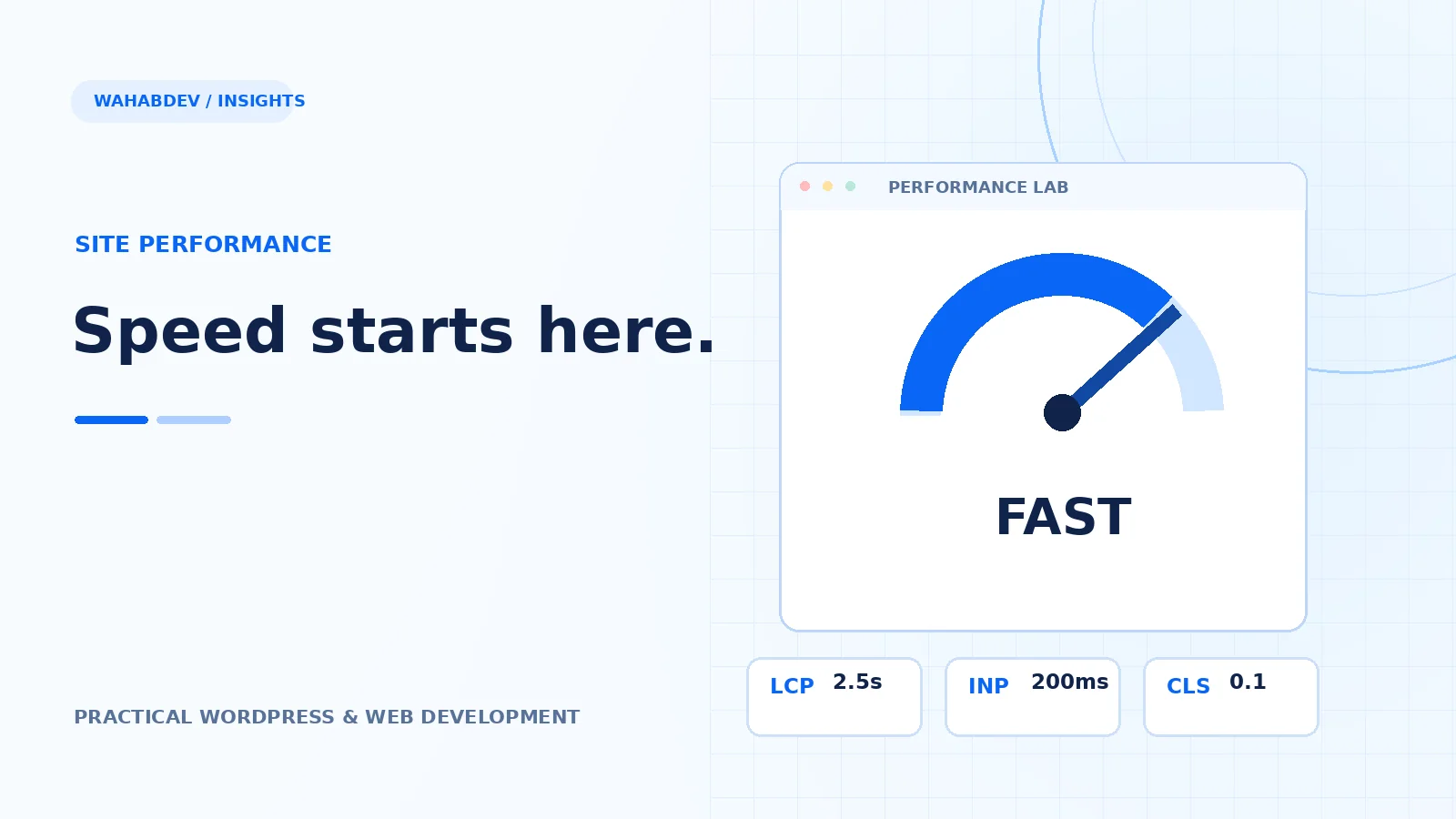
The published good thresholds are LCP ≤ 2.5 seconds, INP ≤ 200 milliseconds and CLS ≤ 0.1 at the 75th percentile of visits. Improving one metric can hurt another if the implementation is careless. Re-run tests after changes, confirm buttons still work and review real user data over time. Treat performance as an ongoing engineering practice rather than a one-off score.
Have something like this in mind?
Good development starts with understanding the site, the people using it and the decisions that matter after launch.
Improve website performance