Key takeaways
- Test real pages on mobile, not just the homepage or theme demo.
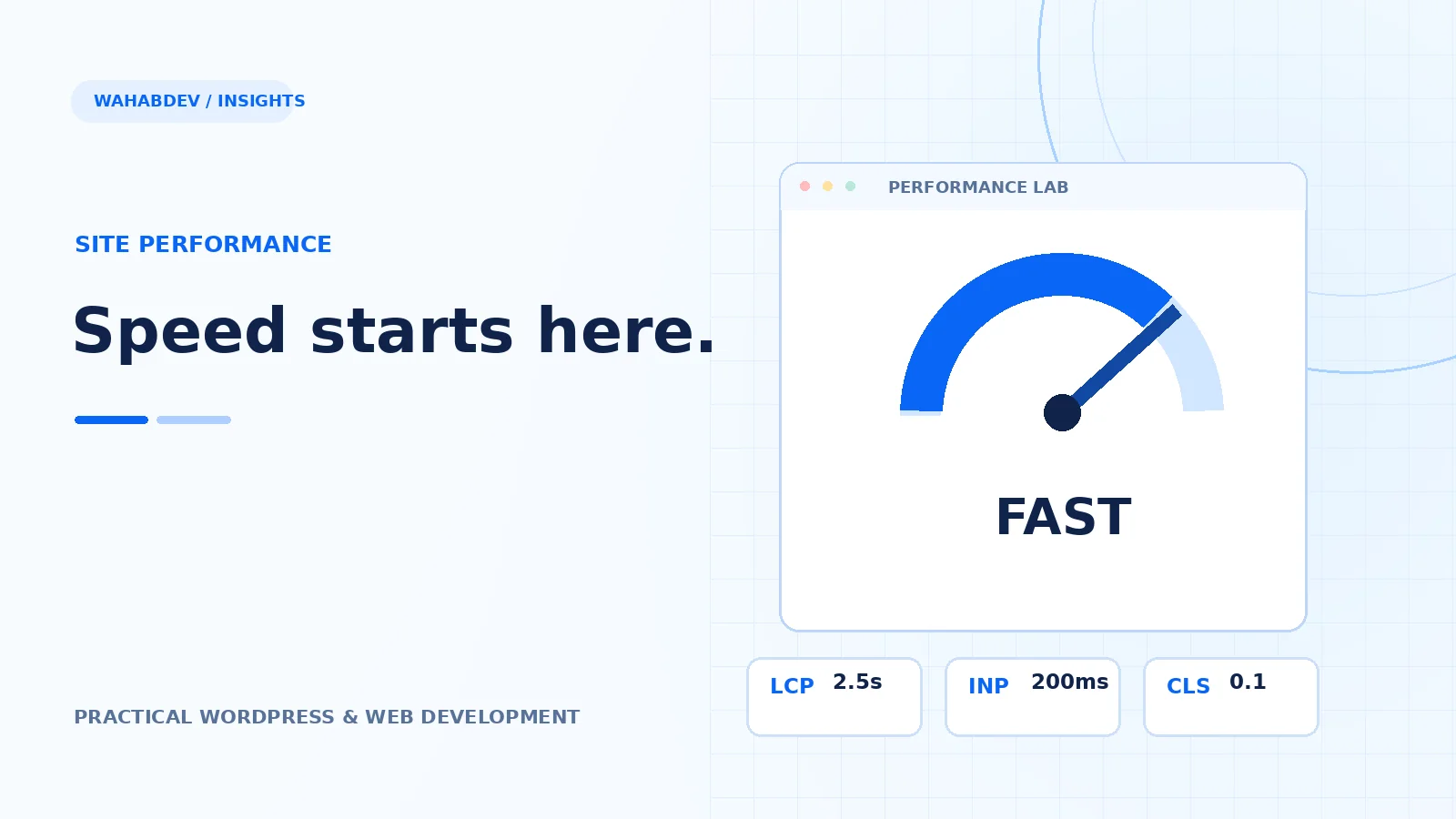
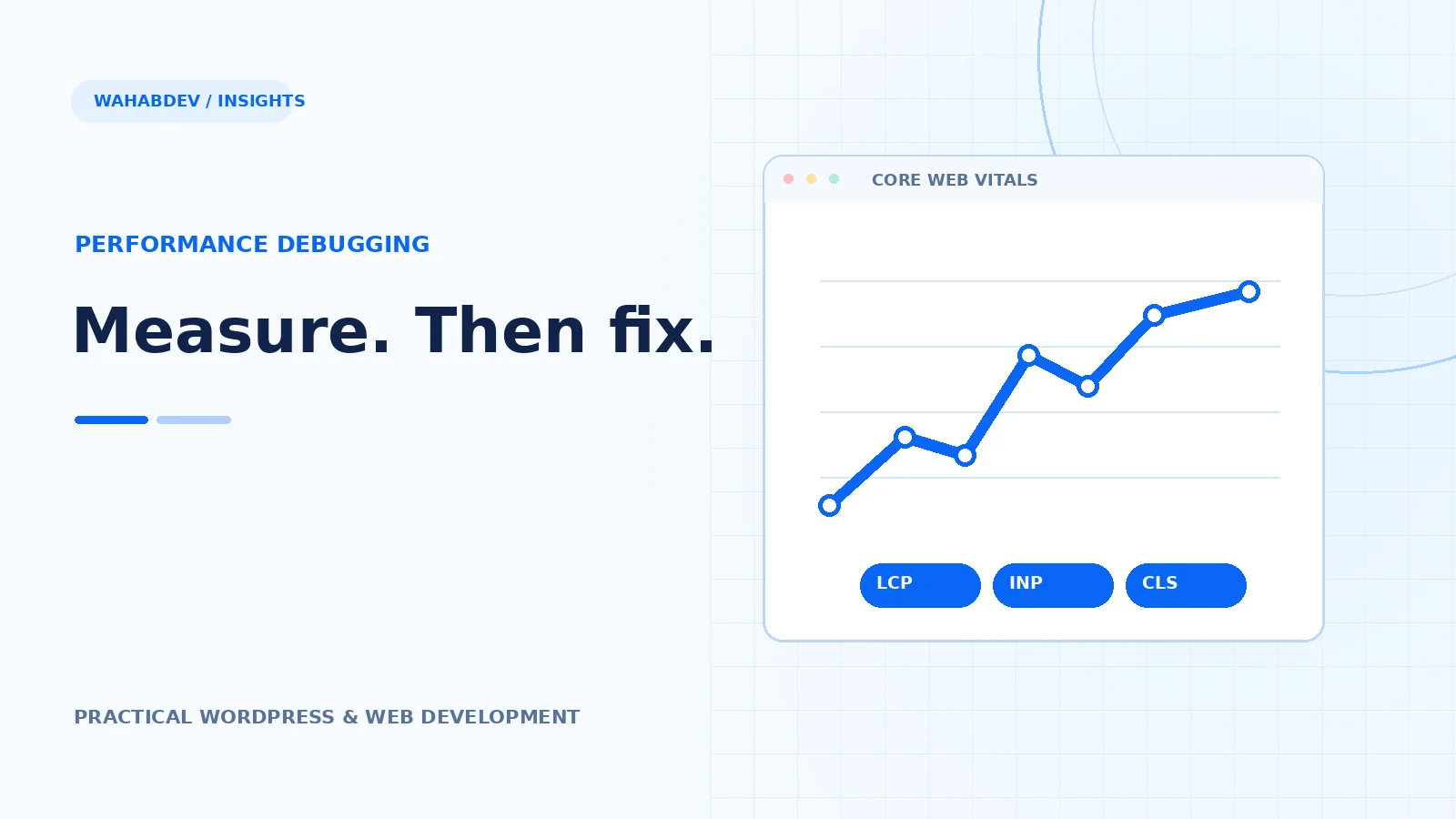
- Prioritize LCP, INP and CLS alongside the Lighthouse lab score.
- Reduce critical image size, render-blocking work and scripts that are not needed on each page.
- Separate server response time from browser loading and retest after deployment.
A repeatable measurement and prioritization process for mobile performance—without fragile plugin toggles or promises of a perfect score.
Start with a representative mobile baseline
Open PageSpeed Insights for the homepage, a service page, a blog post and the heaviest portfolio page. Record mobile Lighthouse diagnostics and, when available, real-user Core Web Vitals separately. Lighthouse gives a useful simulated lab view; real-user data reflects different devices, connections and repeat visits. Compare the same URLs over time so you can connect a change to the page it was intended to improve.
- Track Largest Contentful Paint (LCP), Interaction to Next Paint (INP) and Cumulative Layout Shift (CLS).
- Use the 75th percentile field-data view when there are enough real visits.
- Note which tests include a slow server response and which are primarily asset-loading issues.
Prioritize the visible hero image
The largest image or headline above the fold often determines mobile LCP. A huge hero file can waste bandwidth before the page is useful; a hidden or lazy-loaded hero can delay it further. Supply correctly sized WebP or AVIF variants where supported, preserve the intended crop and tell the browser the image dimensions. Keep the primary hero image eagerly loaded, and defer decorative screenshots below the fold.
- Inspect the actual image selected at narrow viewport widths.
- Use responsive srcset and sizes, not a full-resolution desktop screenshot on every phone.
- Set width and height or aspect-ratio to prevent jumping content.
Make CSS, fonts and JavaScript less expensive
Look at the network waterfall before installing another optimization plugin. Site-wide CSS from multiple generations, duplicate JavaScript controllers and font files can compete with the content users need immediately. Consolidate styles only when cascade order is preserved. Load scripts only on routes where their widgets exist; defer non-critical interaction code and avoid unnecessary third-party tags. Use font-display strategies and limit the number of font weights requested.
- Remove code that is verifiably unused on that page.
- Keep essential navigation, form validation and accessibility behavior functional.
- Avoid adding delayed JavaScript that shifts the layout after first paint.
Check cache headers, PHP and the database separately
Static images, versioned CSS and JavaScript should generally use browser caching. HTML that carries personalized session data or CSRF tokens needs more careful cache treatment. If the first byte arrives late, inspect hosting CPU limits, PHP workers, database connection delays, repeated queries and upstream network issues. Compress HTML, CSS and JavaScript where the server supports it. A content delivery network can help asset delivery, but it cannot repair a slow database query or broken application behavior.
- Compare time to first byte on a warm and cold request.
- Look for slow SQL queries and unnecessary work in page templates.
- Avoid public caching of admin pages or sensitive form tokens.
Treat Core Web Vitals as usability metrics
LCP is about when the main content appears; INP is about responsiveness after interaction; CLS is about unexpected visual movement. Heavy sliders, scroll-driven animation, late-loading web fonts and ads can affect these metrics differently. Test the mobile menu, accordions, carousels and form wizard rather than looking only at initial page load. Respect reduced-motion settings and make controls reachable by touch and keyboard.
- Choose stable heights or aspect ratios for media and widgets.
- Avoid executing animation work on the main thread when no user benefit is visible.
- Verify sticky headers and overlays do not cover actionable content.
Publish carefully and measure the change
Back up the site and deploy to staging before a production performance release. Re-run the same mobile tests on the same pages, and verify layouts at 375, 390 and 768 CSS-pixel widths. Revisit Search Console to see whether important pages are indexed and how their impressions and clicks change. Better performance improves the user experience, but higher rankings, traffic and leads still depend on search relevance, original content and external competition.
- Record before-and-after resource sizes and layout screenshots.
- Test enquiry forms, navigation, image galleries and embedded content.
- Continue improving search snippets and internal links based on Search Console queries, not assumptions.
Have something like this in mind?
Good development starts with understanding the site, the people using it and the decisions that matter after launch.
Request a mobile website performance review