Key takeaways
- Choose based on content structure and change frequency, not demo appearance.
- Account for licensing, integration and upkeep before comparing prices.
- The best theme is the one the team can maintain without constant workarounds.
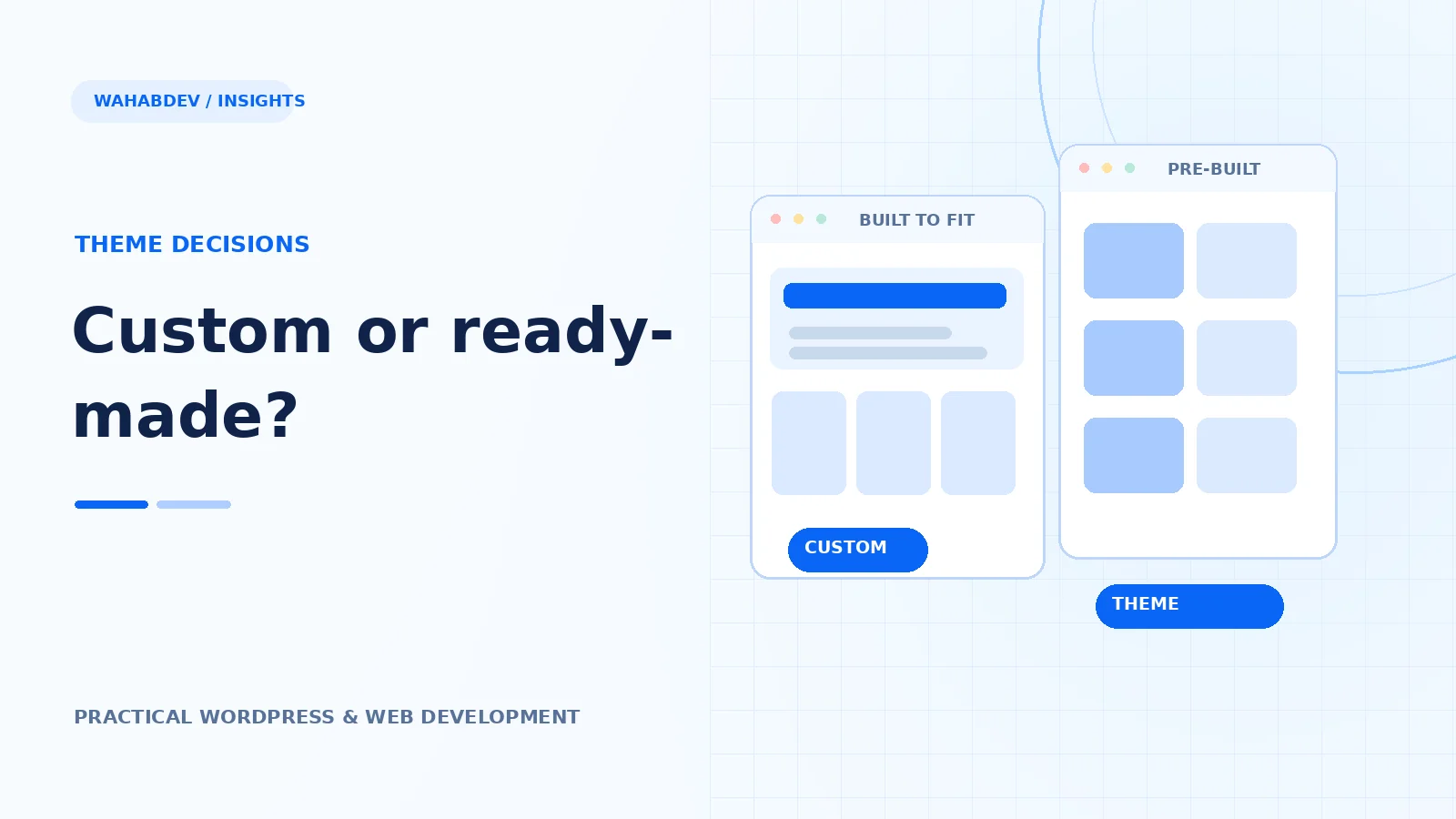
A practical comparison of custom builds and premium themes, including budget, speed, ownership and long-term maintenance.
The real decision is about constraints, not trends
A ready-made premium theme can be the sensible choice when a business has a familiar layout, a limited budget and a deadline measured in weeks. A custom WordPress theme makes more sense when the brand, content model or workflows cannot comfortably fit a template. The mistake is assuming that custom automatically means better, or that a premium theme is always cheaper once you account for the work needed to adapt it.
- Write down the pages and content types you actually need.
- List every feature the theme must support without extra workarounds.
- Set a realistic budget for launch and maintenance.
Where a premium theme earns its place
A well-supported theme gives a team a shortcut to established typography, navigation, layout patterns and basic integrations. It works best when you can remove demo content, keep the plugin stack lean and make small design adjustments instead of fighting the underlying system. Check the changelog, support policy and editor compatibility before buying. A striking demo is less useful than a theme you can still update comfortably next year.
- Test the actual editor, not only the public demo.
- Check mobile navigation and product or form pages.
- Look for clear documentation and predictable update releases.
When custom development becomes the smarter investment
Custom development matters when the design needs unusual components, when an agency needs repeatable branded templates or when a business relies on integrations and complex editorial workflows. It also lets you control exactly which CSS and JavaScript ship to visitors. That control only has value if the code is maintainable: documented template parts, clean hooks and thoughtful accessibility are more important than a folder full of one-off exceptions.
- Plan reusable components before coding individual pages.
- Keep theme responsibilities separate from business functionality.
- Include staging, QA and documentation in the project scope.
Compare the total cost of ownership
Put the first-year cost and the next two years side by side. Include licenses, hosting, build time, support, plugin conflicts, content migration and future changes. Ask what happens when a theme stops receiving security fixes or a key plugin changes. For a five-page brochure website, a premium theme may still win convincingly. For a content-heavy brand with distinctive layouts, the ongoing cost of forcing a template can outweigh the custom build.
- Measure the cost of changes, not just the purchase price.
- Ask who can update the site after handover.
- Budget for backups, testing and accessibility checks.
A simple decision rule
If the site can use most of the theme's structure as designed, start with a quality premium theme. If every important page needs special CSS, custom fields, additional page builders and exceptions, price the custom option early. The best choice is the one a real team can keep fast, accessible and consistent after launch.
Have something like this in mind?
Good development starts with understanding the site, the people using it and the decisions that matter after launch.
Discuss a WordPress build