Key takeaways
- Editor experience and handover matter more than tool popularity.
- Block themes offer global styles and editable templates.
- Elementor works best with deliberate restraint and tested reusable design.
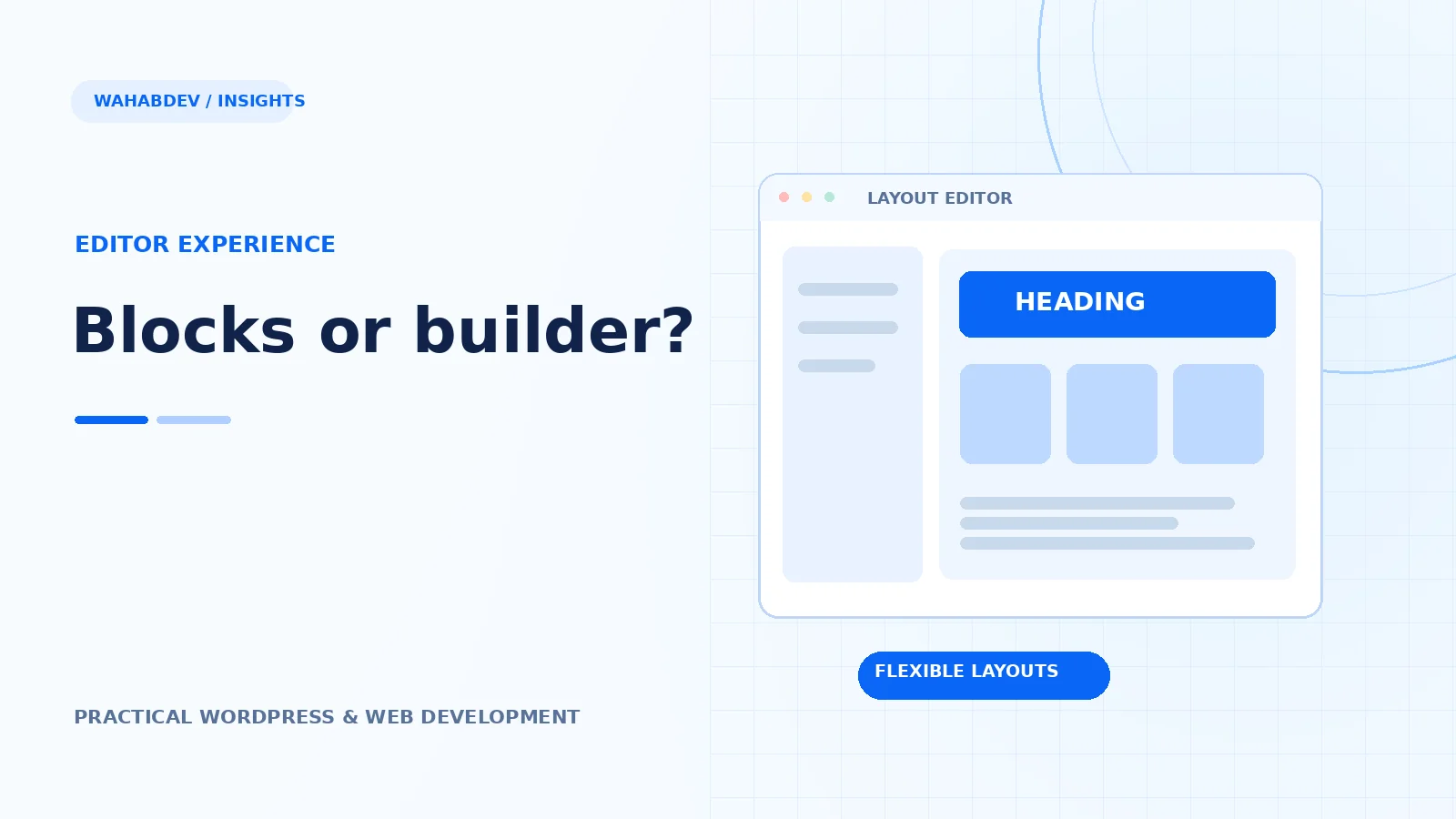
How to choose between native WordPress blocks and Elementor based on editing workflows, layout complexity and maintainability.
Start with the person who will edit the website
Both approaches can produce strong websites. The better fit depends on who owns the content after launch. If an editor needs to update services, publish articles and reuse consistent branded patterns, native WordPress blocks and a block theme may be enough. If the team needs visually complex landing pages and an established Elementor workflow, a builder can be useful. Ask editors to perform a realistic task in each interface before deciding.
- Try changing a page title, hero and CTA.
- Test whether reusable blocks remain consistent across pages.
- See how easy it is to accidentally break spacing.
What block themes actually change
A block theme makes site areas such as the header, footer and templates editable through the Site Editor. The theme.json file can define global colors, type scales and spacing, while patterns package repeatable sections. This is more than a choice of editor toolbar: it shapes how the design system is maintained. Without sensible permissions and documentation, extra flexibility can also lead to inconsistent pages.
- Define colors and spacing tokens early.
- Build patterns for common business sections.
- Separate reusable templates from one-off landing pages.
What Elementor does well—and where to be careful
Elementor's visual controls can speed up layout creation for teams already familiar with it. At the same time, extensive nested widgets, motion effects and third-party add-ons can increase debugging complexity. Avoid stacking multiple extensions to solve simple CSS problems. Test responsive breakpoints and keyboard interactions in the actual rendered page, not solely in the editor canvas.
- Limit add-ons to features the project truly uses.
- Standardize container widths and typography.
- Treat mobile QA as part of page creation.
Build a handover plan, not a dependency trap
Imagine a content manager needs to change the home hero six months later. Can they update the correct template without editing several copies? Does the component keep brand consistency? Can the site be upgraded safely? Choose the workflow that answers those questions well. A thoughtful Elementor implementation can beat a chaotic block build, and the reverse is equally true.
A practical recommendation for agencies
Use native blocks and patterns when long-term content governance, straightforward editorial control and a lean base are priorities. Use Elementor when the project benefits from its design workflow and you can maintain a disciplined add-on stack. Hybrid setups are possible, but document clearly which parts use which editor so the next developer does not have to guess.
- Keep business logic in plugins rather than templates.
- Write down which components are editable and where.
- Review updates in staging first.
Have something like this in mind?
Good development starts with understanding the site, the people using it and the decisions that matter after launch.
Plan a WordPress rebuild