Key takeaways
- Check product, cart and checkout flows—not just design.
- Test real errors and transactional states.
- Document the update and ordering process for the team.
A store-ready checklist for product pages, checkout, mobile navigation and the little details that affect purchase confidence.
Shopping is a journey, not a screenshot
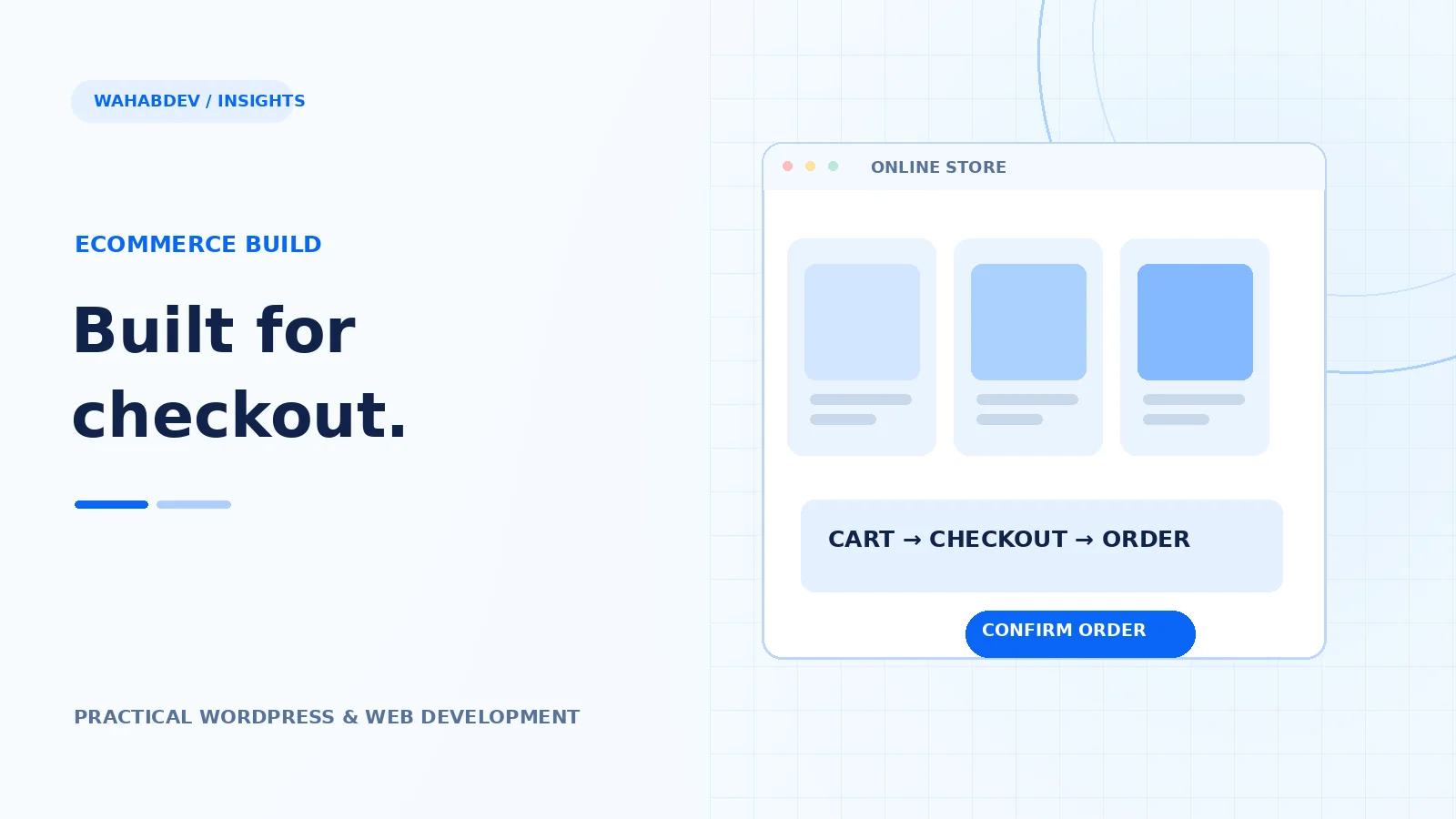
A beautiful storefront is useful only if customers can find a product, understand it and finish the order. Theme demos tend to celebrate the homepage; real shoppers spend time on category filters, product variations, the cart and checkout. Walk through the full journey using realistic prices, long product names, out-of-stock items and shipping rules. Those details uncover issues that a polished hero image will never show.
- Browse categories and filters on mobile.
- Test variable products and stock messaging.
- Complete a test order with the chosen payment gateway.
Make product information easy to scan
The essentials should be visible without hunting: product name, images, price, variation options, delivery or pickup expectations and a clear add-to-cart control. Check image crops and zoom behavior, especially on smaller devices. Related products can be useful, but they should not displace the primary purchase action. Keep urgency claims honest; fake countdowns damage trust.
- Use descriptive labels for variations.
- Reserve space for images to avoid layout shifts.
- Make form errors clear and close to the relevant input.
Check the real checkout states
Test guest checkout if enabled, required fields, coupon codes, failed payments and successful order confirmation. Watch what happens when a shipping method is unavailable or a customer changes their address. Your theme must work with the WooCommerce checkout experience your store actually uses, including block-based checkout where relevant. Never assume a demo's checkout layout matches every payment or delivery plugin.
- Try an invalid email and a declined test payment.
- Verify totals when changing shipping or coupon details.
- Check confirmations and transactional email settings.
Speed matters more on mobile shopping trips
Compress product imagery, avoid unnecessary sliders and keep third-party tracking scripts under control. Heavy scripts that delay variation selection or cart updates can make the store feel unreliable. Measure a product page and checkout separately. The checkout should not carry large decorative assets that do nothing to help someone finish an order.
The handoff matters after launch
Write down how store staff update products, configure sales, maintain stock and review failed orders. Document which parts belong to WooCommerce, which are theme styling and which come from plugins. Back up the database and files before major updates, then test ordering again in staging. A store stays healthy through routine care—not a single launch-day checklist.
- Document plugin ownership for shipping and payments.
- Keep a repeatable smoke test for key store actions.
- Test mobile usability with real content.
Have something like this in mind?
Good development starts with understanding the site, the people using it and the decisions that matter after launch.
Discuss a WooCommerce store