Key takeaways
- Back up files and database with a recovery plan.
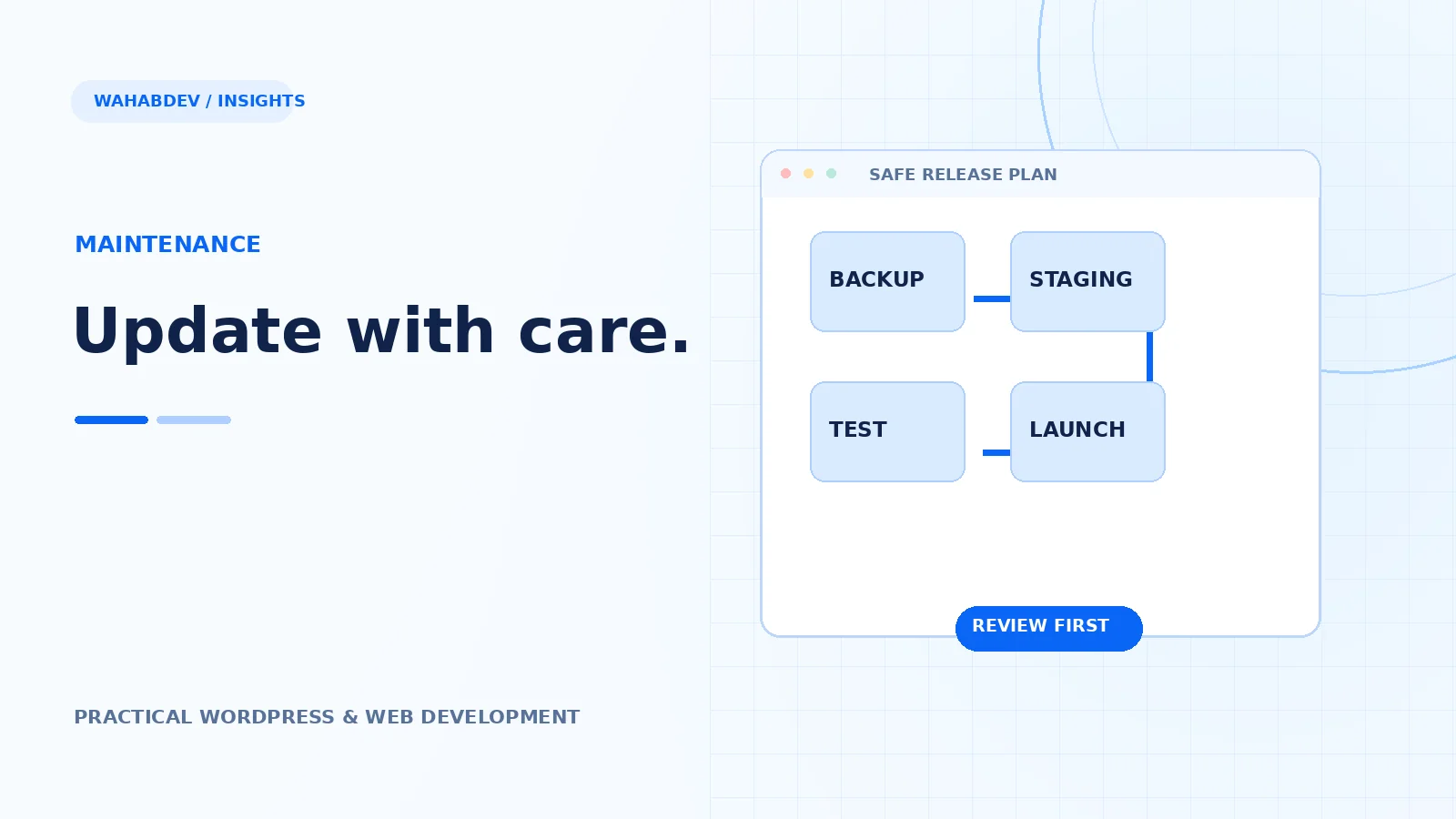
- Stage, test, release and verify every meaningful change.
- Avoid customizing vendor core files.
A sensible maintenance routine built around backups, staging, compatibility tests and clear release ownership.
An update is a small release, not just a button click
Themes and plugins change for security, compatibility and functionality. Most updates are routine, but a theme touching navigation, templates or WooCommerce can affect important paths. Before updating, know which components are customized, who maintains them and whether a child theme or custom plugin holds the changes. If modifications live directly in vendor files, they are at risk of being overwritten.
- Inventory the active theme, child theme and key plugins.
- Review changelogs for breaking changes.
- Know which versions of PHP and WordPress the site runs.
Back up files and database together
A backup is only useful when it can be restored. Keep database and file snapshots from the same point in time, and know how to recover them. For stores or busy membership sites, coordinate carefully to avoid losing fresh orders or submissions. Restoring an old database without thinking through live data can cause more harm than the failed theme update.
- Verify backup completion and restoration steps.
- Plan maintenance windows around traffic and transactions.
- Keep credentials and access instructions secure.
Use staging for changes that affect the experience
Update staging first when possible. Check the homepage, service or product templates, mobile navigation, forms, search and any custom JavaScript. Compare screenshots of critical pages and watch browser console output. If a dependency is incompatible, diagnose it instead of adding emergency overrides to production. Document what changed and why.
- Test logged-out and logged-in experiences when relevant.
- Try the main conversion journey end to end.
- Check layout at phone, tablet and desktop widths.
Deploy carefully and verify the result
Choose a low-risk release period and be ready to reverse a problematic change. After deploying, clear caches intentionally, test the actual public pages and review logs. Make sure the update did not change canonical URLs, block styles or image paths. A reliable process turns maintenance into normal housekeeping instead of an emergency project.
Prioritize ongoing fixes over accumulated debt
Small broken labels, outdated integrations and neglected mobile bugs add up. Schedule periodic reviews for performance, accessibility and content accuracy. Even a well-built theme needs care as WordPress, browsers and business requirements evolve. The purpose of maintenance is a dependable website—not an endless list of plugin purchases.
- Log recurring errors and resolve their causes.
- Remove abandoned plugins and unused themes thoughtfully.
- Review ownership of domain, hosting and licenses.
Have something like this in mind?
Good development starts with understanding the site, the people using it and the decisions that matter after launch.
Discuss ongoing maintenance