Key takeaways
- Inventory existing content and business-critical paths.
- Improve real problems without needless rewrites.
- Preserve URL intent, redirects and integration behavior.
A practical approach to keeping important URLs, content and integrations intact while improving a site’s design and usability.
Begin with an inventory of the working website
A redesign often starts with new mockups, but the first useful deliverable is an inventory. Capture the site structure, top landing pages, important forms, custom templates, redirects, search behavior, analytics and integrations. Identify what visitors already use. Replacing a contact form may look harmless until you discover it feeds a CRM or handles a validation rule no one documented.
- List business-critical URLs and conversion paths.
- Capture old page titles and redirect requirements.
- Document every third-party form, API and automation.
Separate structural issues from visual preferences
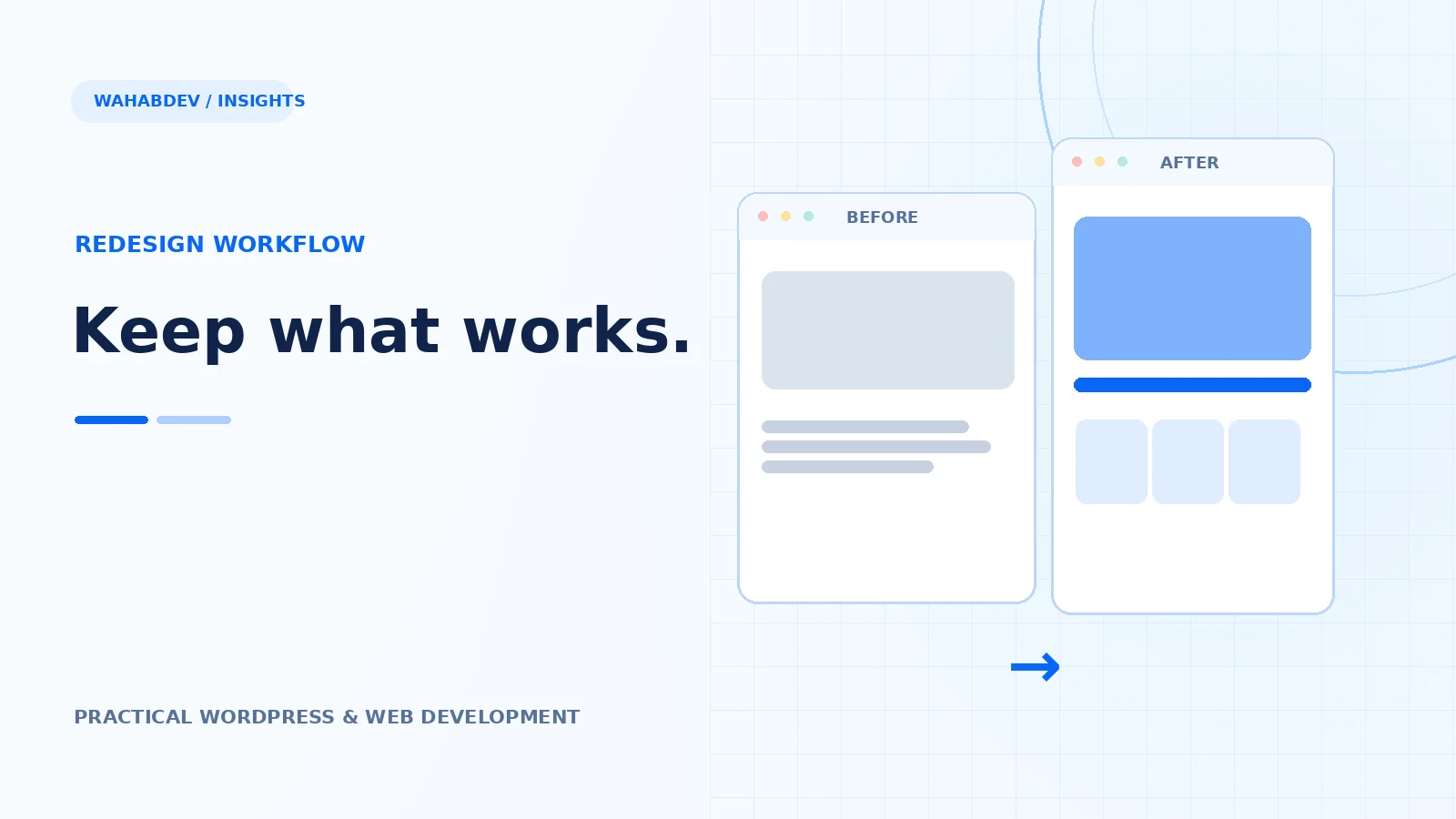
Some problems need design changes: unclear hierarchy, tight spacing, unreadable type. Others need engineering: layout shifts, hard-coded widths, broken mobile menus or duplicated scripts. Label each issue so the solution fits the cause. A full rebuild is expensive when a focused template cleanup would solve most of the pain. Keep the parts that already behave well unless there is a clear reason to change them.
- Audit at phone, tablet and desktop widths.
- Record accessibility and keyboard issues.
- Identify slow templates using measured evidence.
Protect content and search continuity
Preserve useful content and established URLs where possible. If URLs must change, plan one-to-one permanent redirects and update internal links. Avoid sending many unrelated old pages to a generic homepage. Retain meaningful headings, metadata and structured content, then improve them where the new page actually helps users. Search results are not guaranteed, but removing unnecessary disruption is part of a responsible release.
- Map old URLs to their most relevant new destinations.
- Review canonical tags and XML sitemap output.
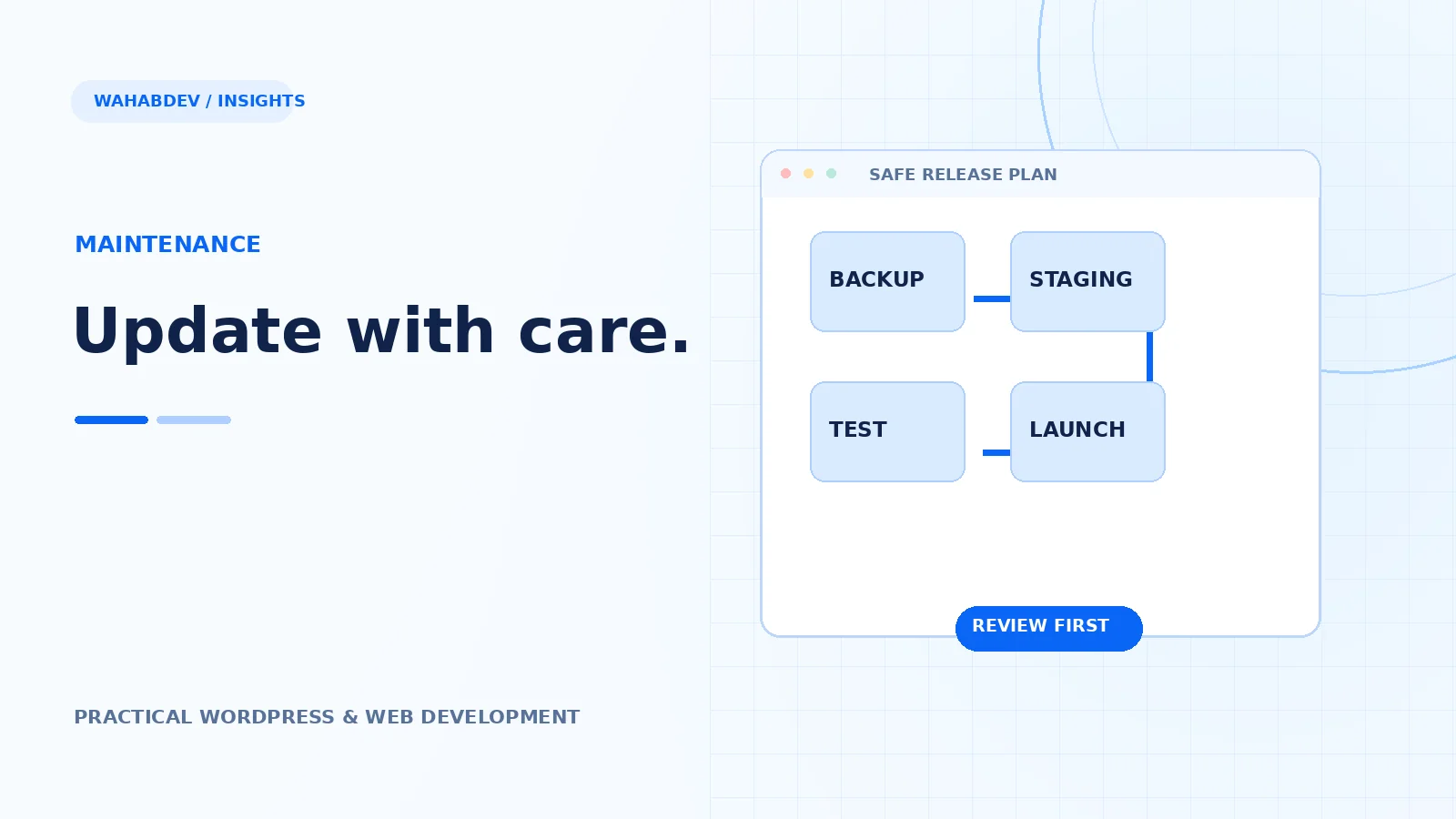
- Verify redirects in a staging or release checklist.
Build and test in staging
Change templates in a staging environment rather than directly on a busy live site. Check navigation, forms, archive pages, custom post types and user roles. Compare representative pages before launch, including ones that are easy to forget: search results, empty states and error pages. Recheck on a small device with content longer than the design mockup.
Launch with a rollback option
Take a verified backup, decide who owns the launch and have a way to revert the change. After release, check server logs, form submissions, analytics, redirects and important pages. Treat the first week as a monitoring period. The goal is not just a fresher visual style; it is a website that is easier to use and maintain without erasing the work already invested in it.
- Verify backups can actually be restored.
- Run functional checks after changing DNS or caching.
- Keep a concise change log for the next maintainer.
Have something like this in mind?
Good development starts with understanding the site, the people using it and the decisions that matter after launch.
Plan a thoughtful redesign