Key takeaways
- Write testable scopes and component rules early.
- Make staging, QA and deployment ownership explicit.
- Handover and maintainability are part of the deliverable.
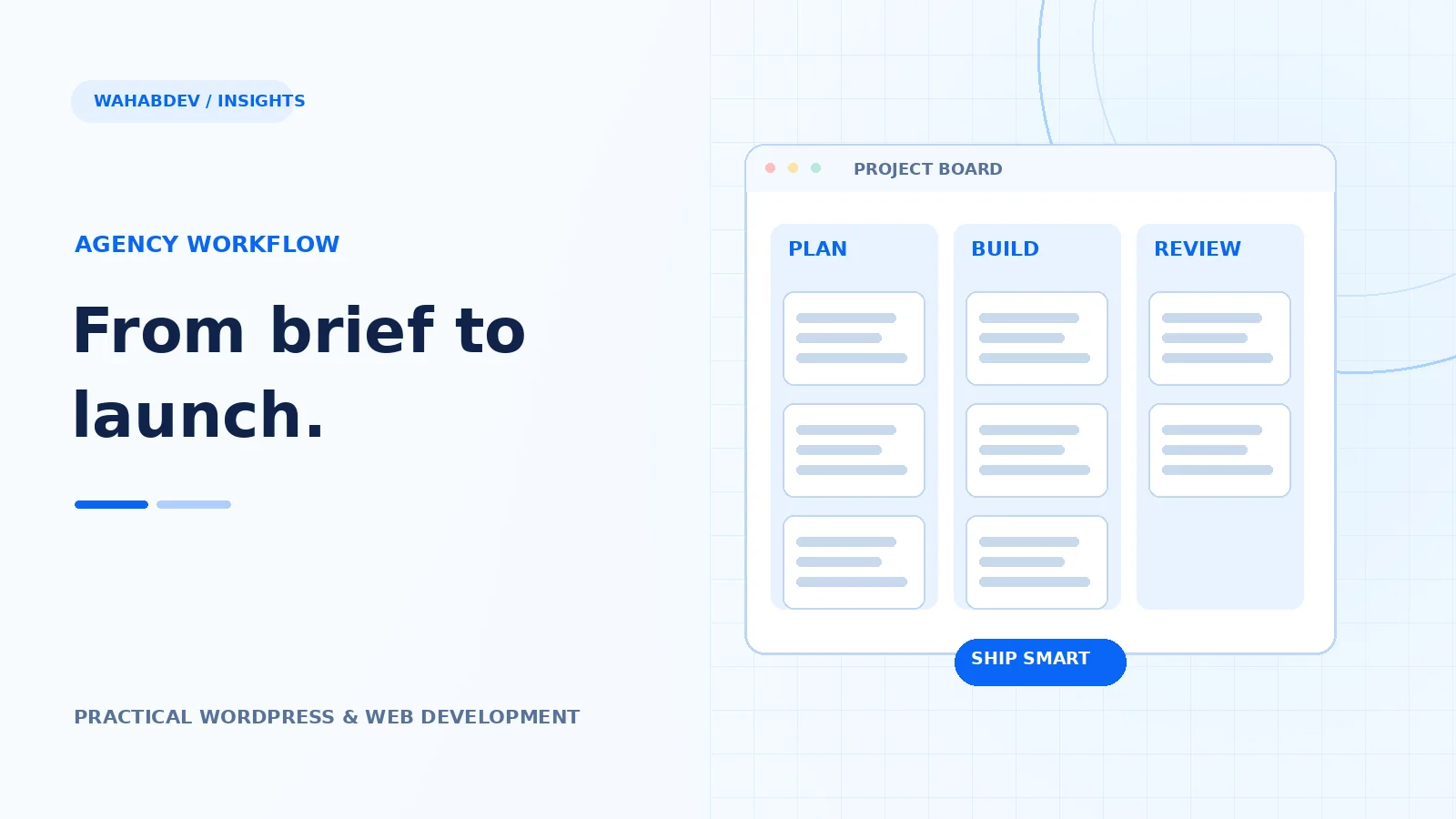
From discovery to handover: a simple production workflow for repeatable client websites without sacrificing project-specific detail.
Turn the brief into a testable scope
A client saying ‘modern and fast’ is not a specification. Capture the audience, the real pages, required integrations, content ownership and the actions visitors need to take. Include what is out of scope so small additions do not quietly change the project. Pick representative pages to establish layout rules early, then reuse proven components rather than designing every screen independently.
- Agree on the sitemap and content responsibilities.
- Define key user journeys and acceptance criteria.
- Document third-party dependencies and access needs.
Build reusable foundations before polishing pages
Set type styles, spacing, button patterns and container widths. Establish headers, footers, cards and form conventions, then test those components on a long and a short page. Whether the project uses Gutenberg, Elementor or custom PHP, reuse matters. It reduces inconsistency, makes responsive fixes repeatable and gives future editors fewer surprising layouts to maintain.
- Create a shared visual system with tokens or global styles.
- Use component variants instead of one-off copied markup.
- Check edge cases before duplicating a layout.
Keep staging and production responsibilities clear
Give the team a single source of truth for code and content. Use version control, review changes and keep environment configuration out of commits where it includes secrets. Decide who approves deployment and what happens when a release fails. If content editors use staging, agree on how their work moves to production so a database refresh does not erase it.
- Use a named review checklist rather than vague ‘looks fine’.
- Keep secrets in environment settings, not source files.
- Record which environment owns the latest content.
Test user journeys instead of only screenshots
A beautiful page can still have a form that never delivers or a mobile menu that traps focus. QA should cover real scenarios: browse services, follow a project link, submit an enquiry, open a dialog, use keyboard navigation and return from a 404. Include several viewport widths and check that fonts, images and external URLs work after moving between staging and production.
Make handover part of the product
A short handover is more valuable than a 70-page manual nobody opens. Explain how to edit the recurring elements, manage images, update plugins, get support and restore a backup. Share access securely. Then hold a final review against the original goals. Clients remember whether the site is manageable after launch, not how many animations were shown in a demo.
- Record final URLs, credentials ownership and support boundaries.
- Show editors common tasks in their actual dashboard.
- Leave a change log and release notes.
Have something like this in mind?
Good development starts with understanding the site, the people using it and the decisions that matter after launch.
Partner on a development project